Project Creation
Create Project
IEC File Compilation
- Hot updates typically use IEC files
- Select the project, then use the right-click menu or the top IDEA menu
IDEA menu - EasyClick Android - Compile IEC File- After compilation, the file is saved as
build/release.iecin the current project
APK Packaging
-
In the top IDEA menu, select
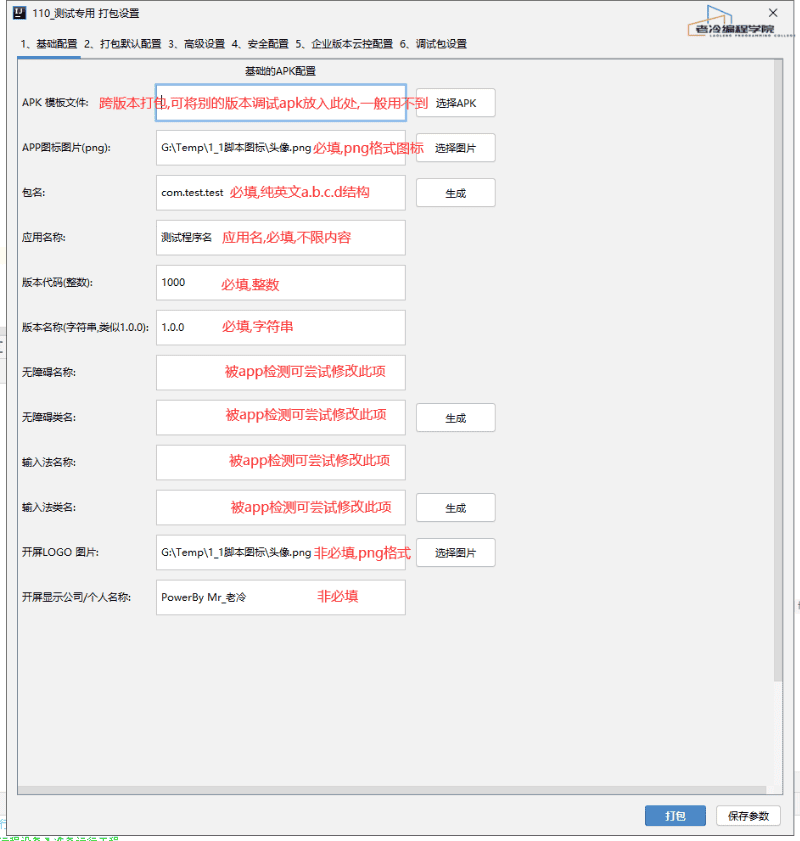
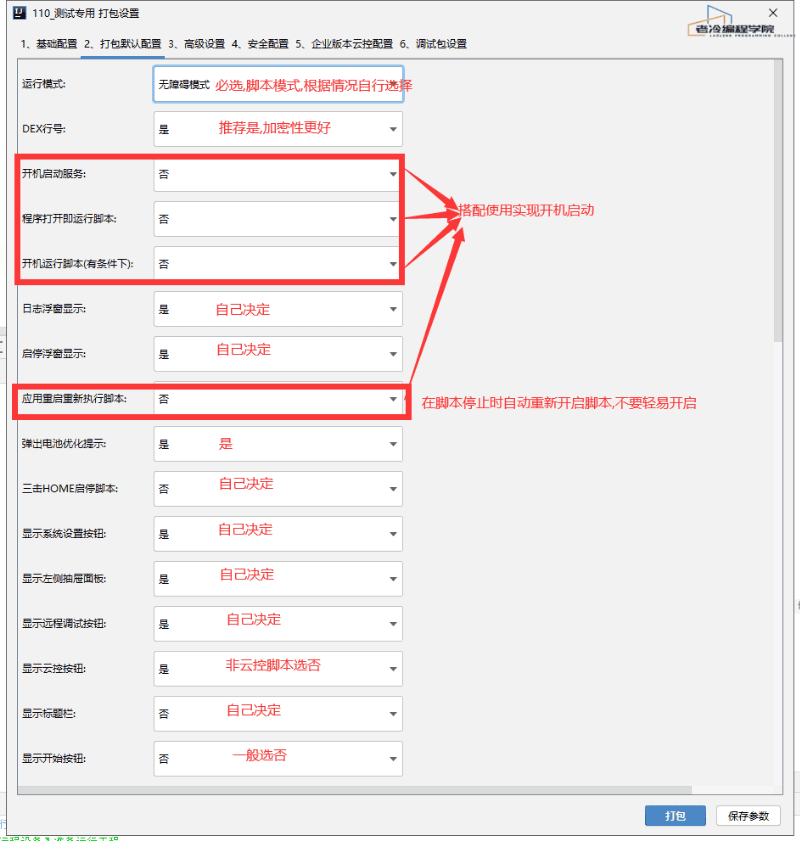
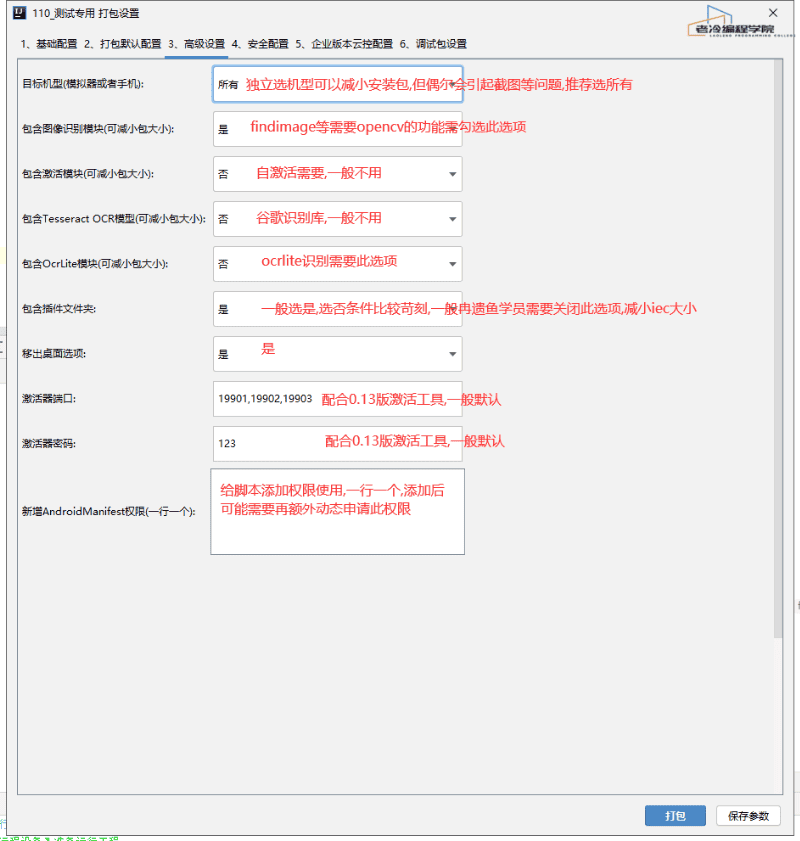
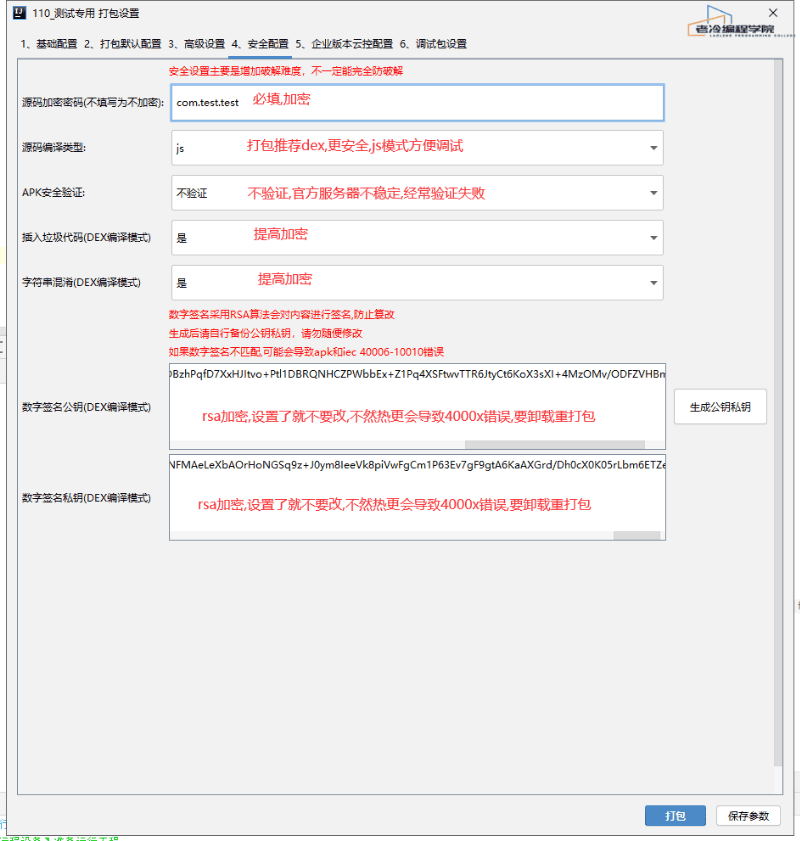
EasyClick Android - Package Project -
Standard packaging — sufficient for most users
-
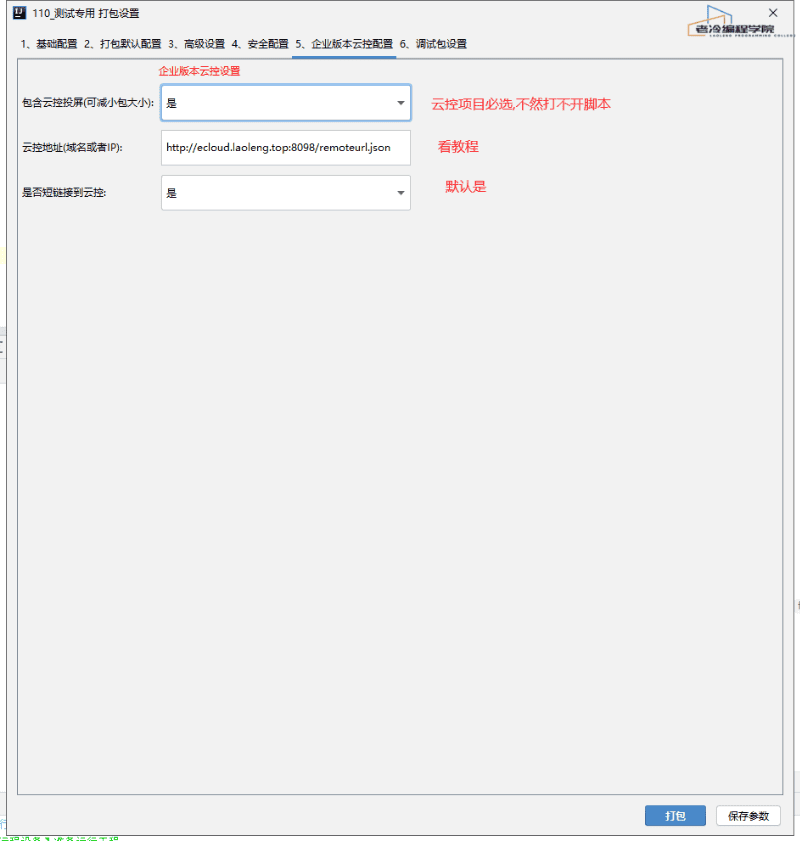
Enterprise packaging — for cloud control; use only together with EC cloud control
-
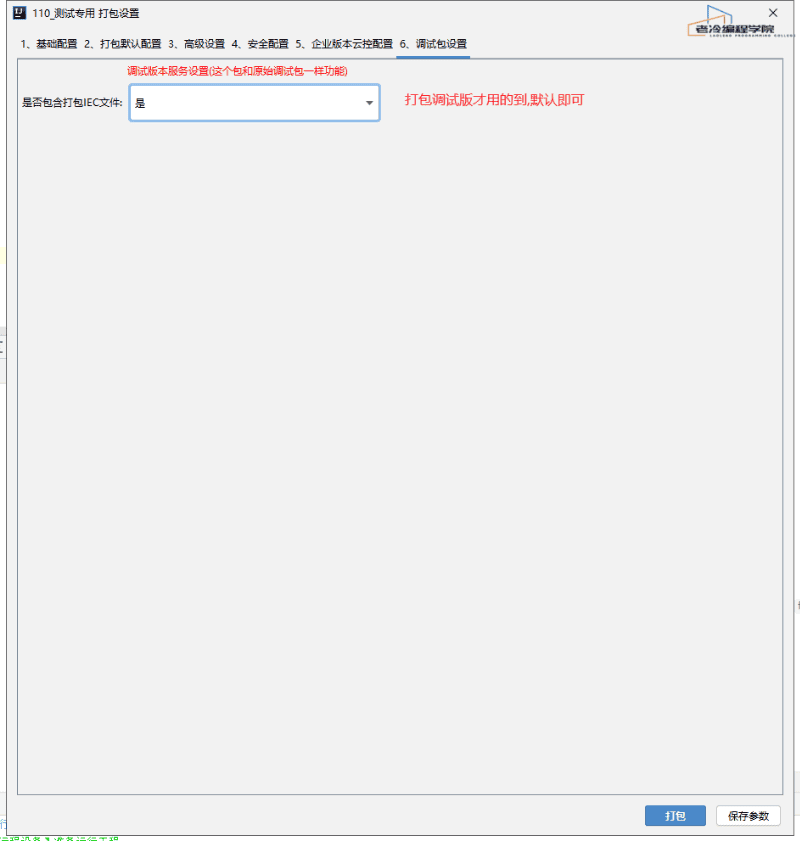
Debug packaging — used during development to avoid detection of the EC debug package as a base debug build
-
After packaging, configure the package name via
IDEA menu - EasyClick Android - EasyClick Settings - Basic Settings - Debug version package name. Then connect the device over USB so the APK is recognized correctly -
Packaging compiles source and outputs an APK; all logs appear in
EasyClick Android Run Log -
After packaging, the APK is output to
current project folder\build\release.apk. Transfer it to the phone and install
Packaging Parameter Reference