EasyClick Enterprise HarmonyOS Next USB Screen
Connect HarmonyOS Next devices over USB for batch mirroring, control, and scripts — pure HarmonyOS, deep with the EC HarmonyOS Next stack.
Built for cross-border commerce, social ops, MCN, automated QA, and game studios that need stable wired links and fleet ops.
USB / wireless debug connect; HID hardware taps; one-click EC HarmonyOS script start/stop
Built for cross-border commerce, social ops, MCN, automated QA, and game studios that need stable wired links and fleet ops.
USB / wireless debug connect; HID hardware taps; one-click EC HarmonyOS script start/stop
Screen management
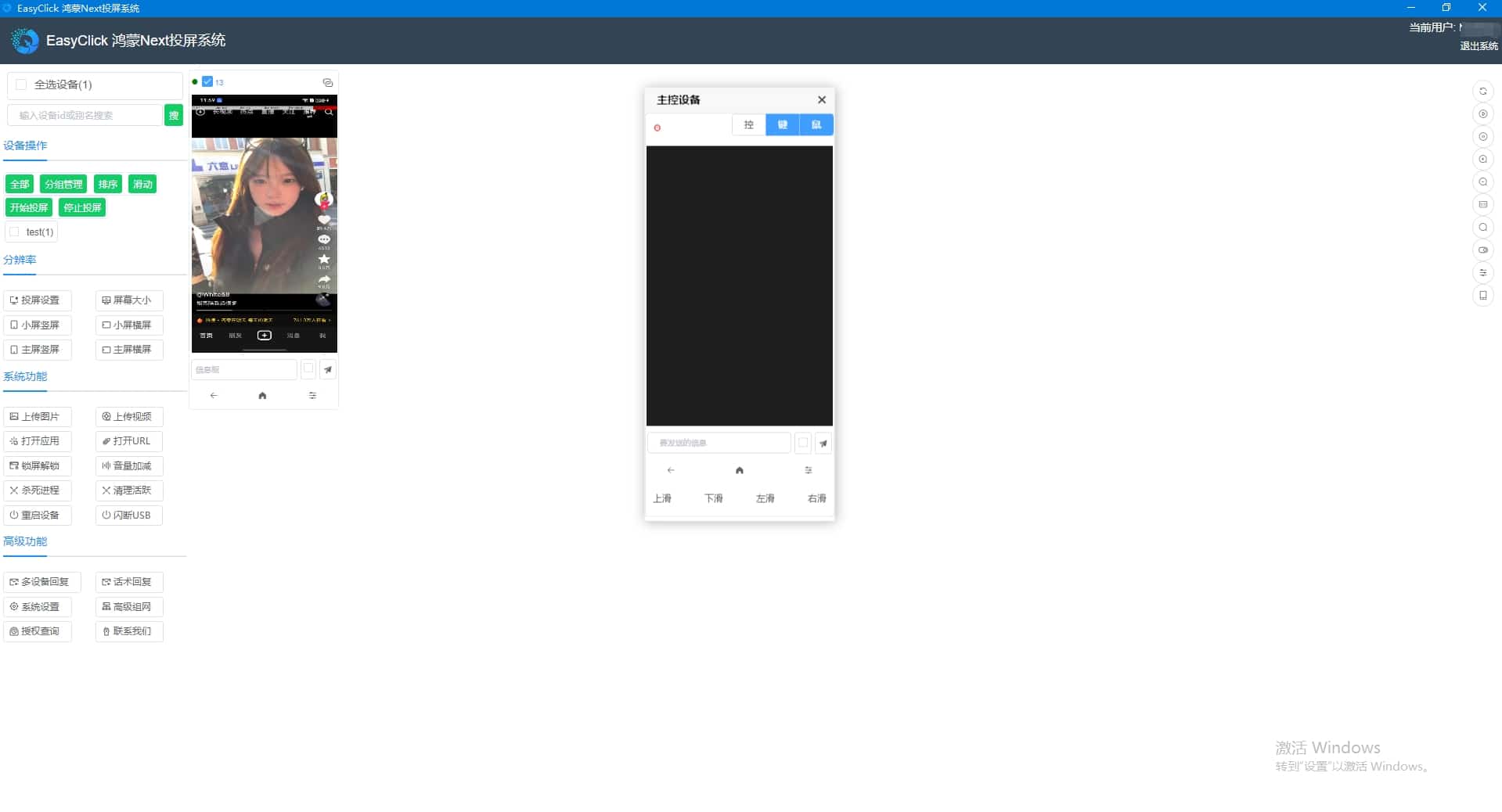
- HarmonyOS Next center + mirroring in one; stable USB and low latency
- Batch-mirror many devices with centralized status
- USB wired or wireless debug — keep operating after unplugging
Fullscreen ops
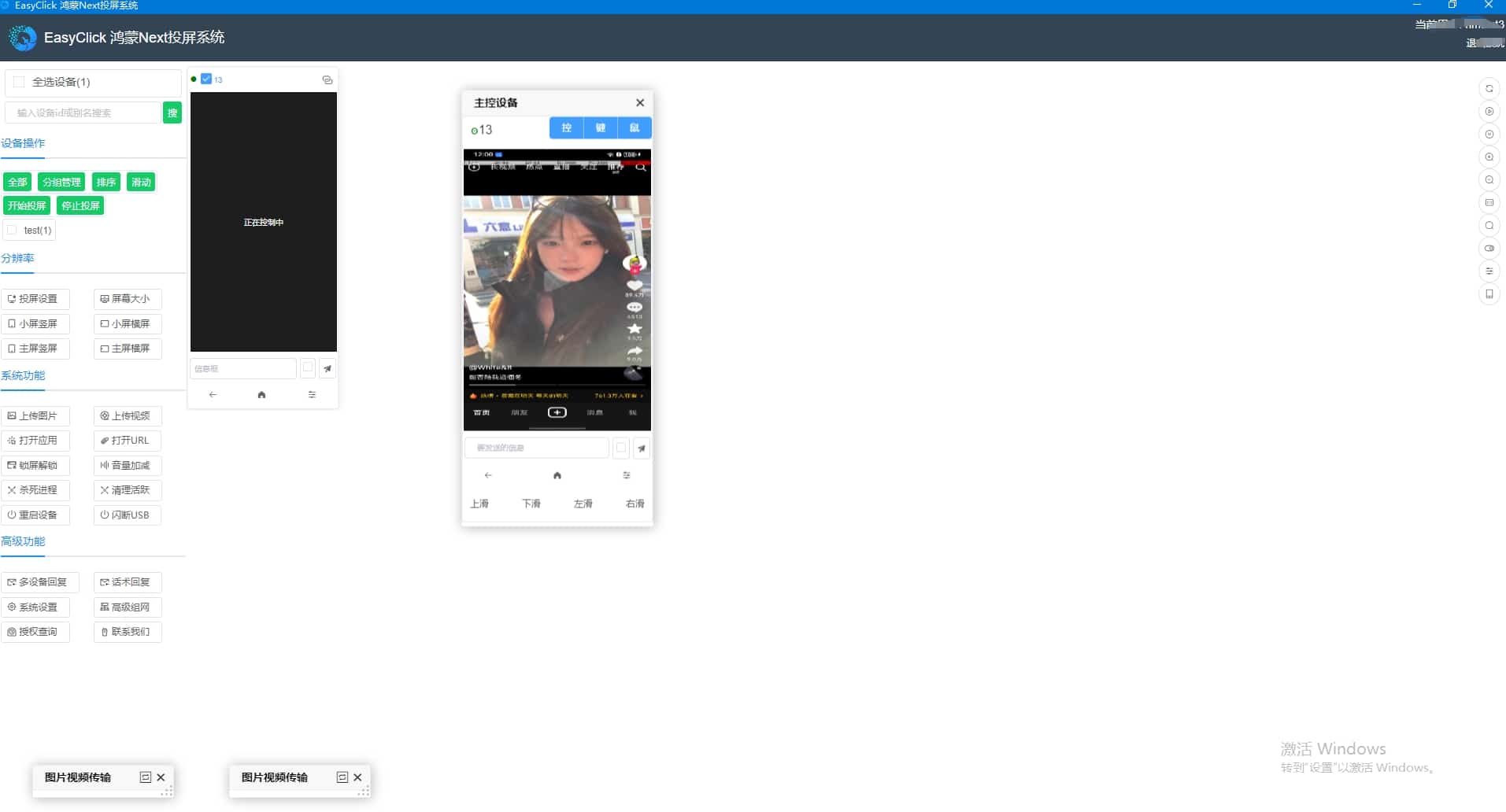
- Fullscreen master control; sync gestures to other phones
- Tap, swipe, keyboard typing, and text input
- OCR on the mirror UI for on-site checks and triage
Quick replies
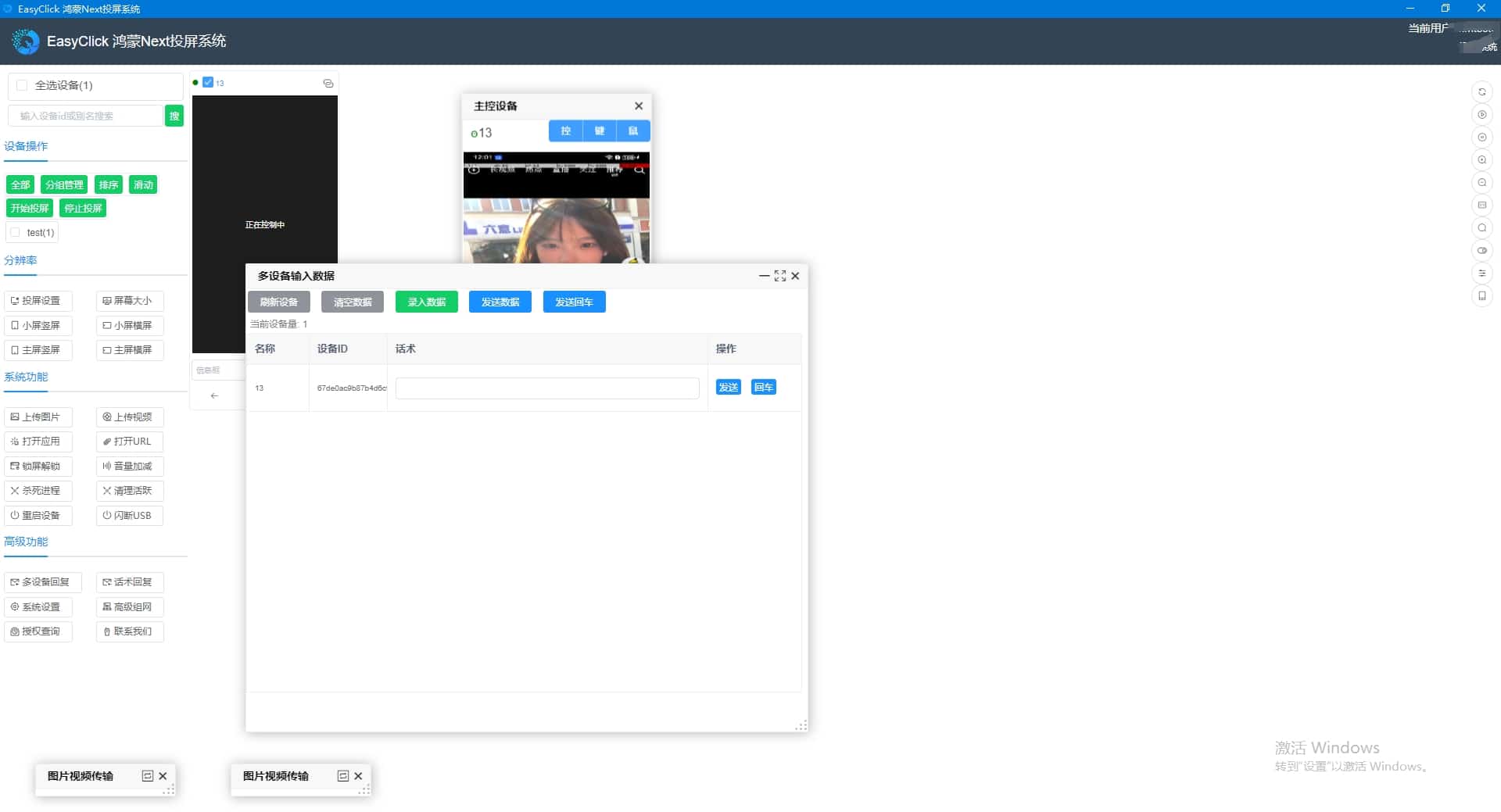
- Preset phrases sent in one tap; batch replies across devices
- Per-device phrase sets for support and DM ops
- Random or sequential send for batch engagement
Groups & resolution
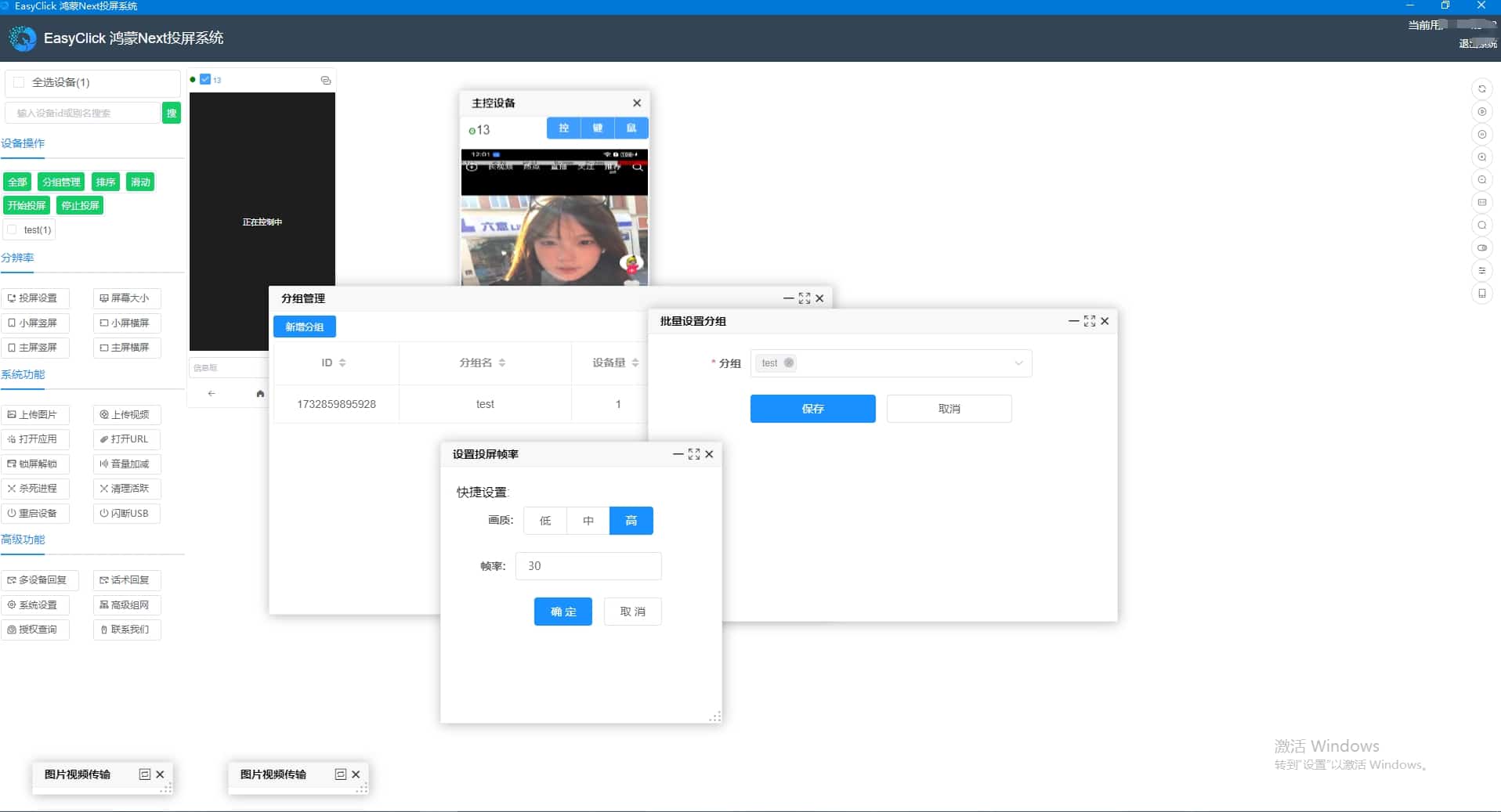
- Custom groups by line or desk; selections can be saved
- Set frame rate and resolution for clarity vs PC load
- Ctrl + click a device name to switch master; locate/blink a single device
File transfer
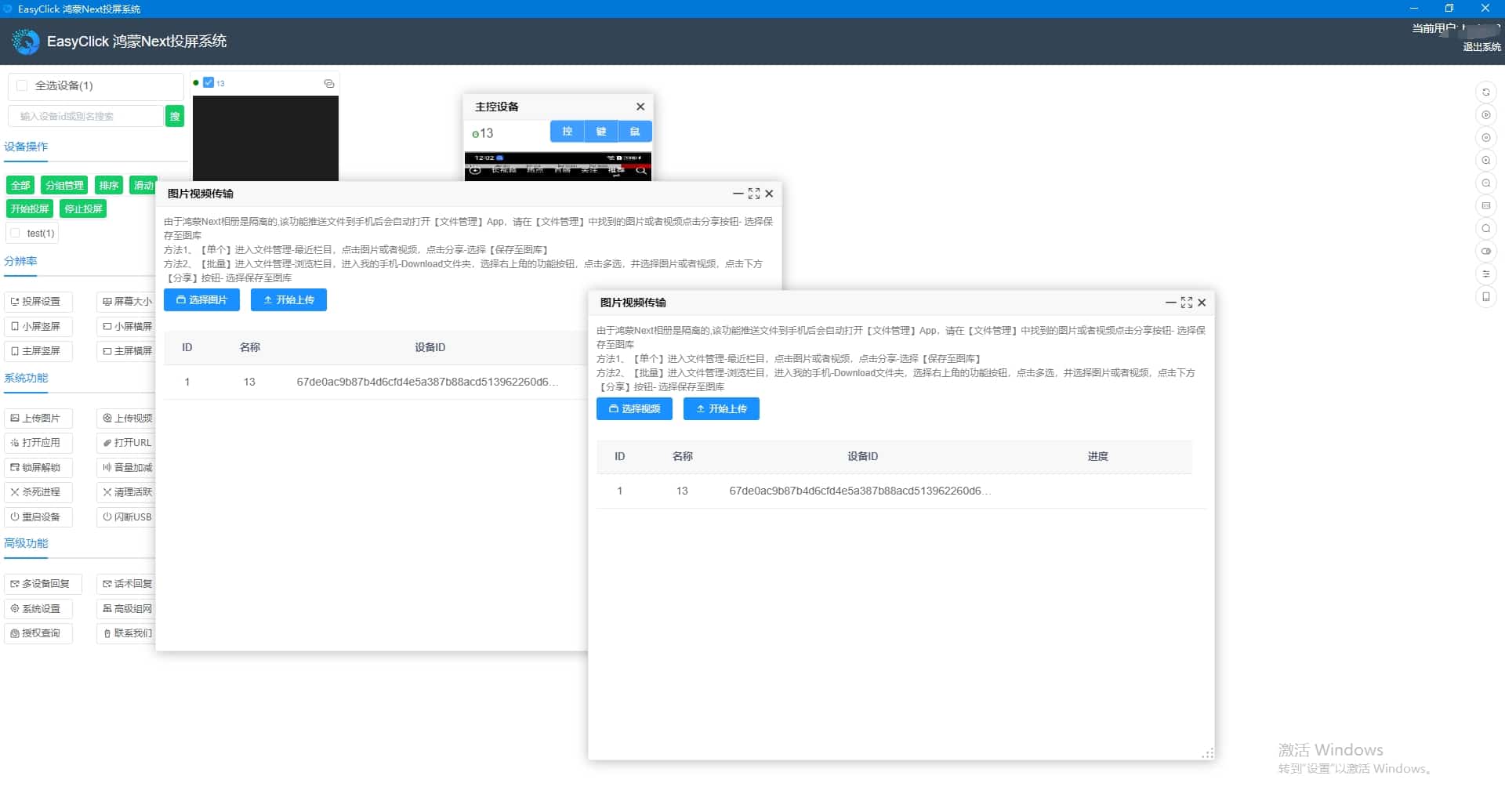
- Batch push photos/videos to gallery or file manager
- Per-device upload folders for flexible asset distribution
- Open URLs and URL Schemes to jump to target pages
Script control
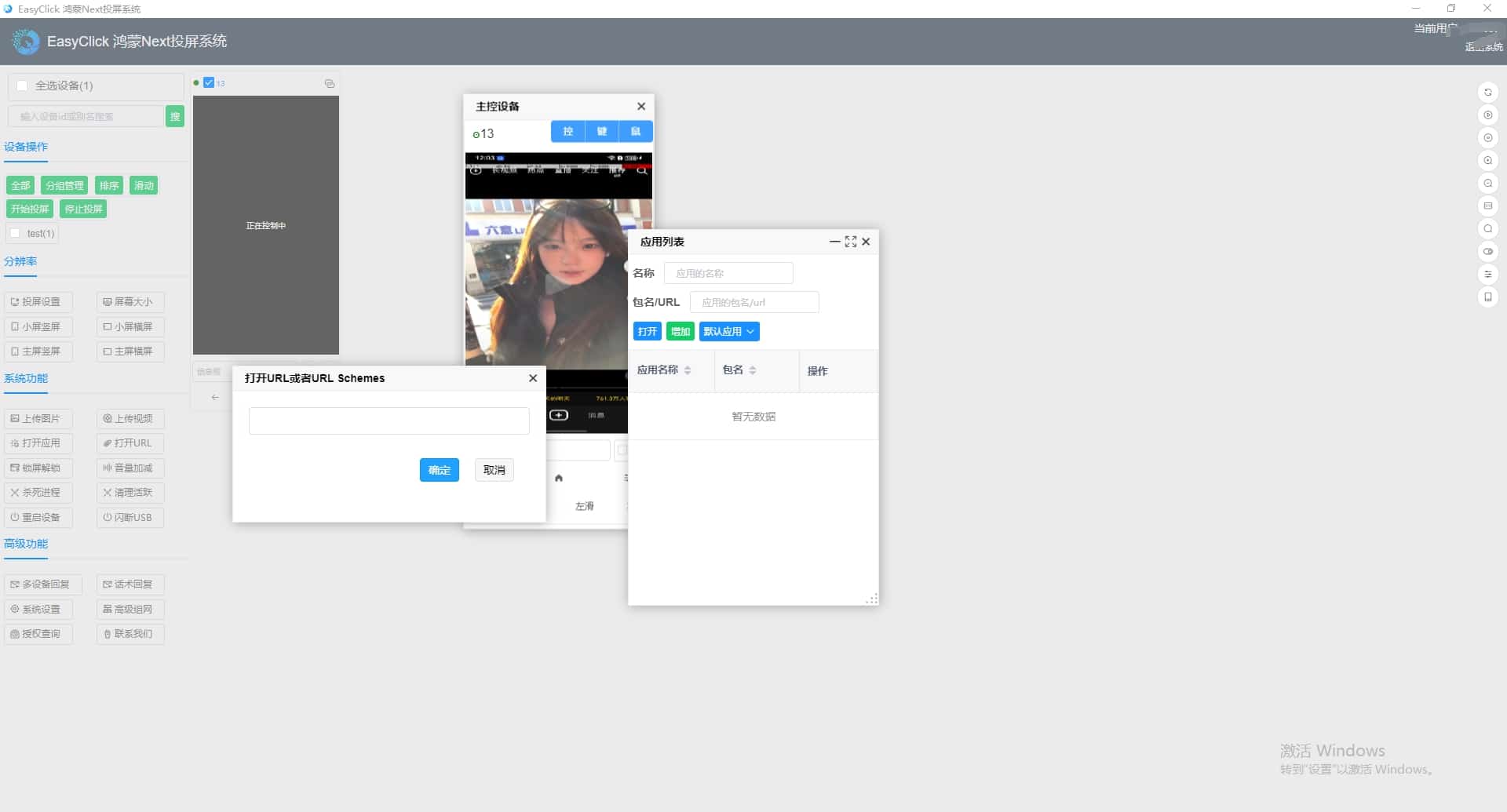
- Seamless with EC HarmonyOS Next center — right-click on mirror to start/stop iec scripts
- Shared groups and aliases between mirroring and center
- HID hardware taps for screenshot + tap flows without automation services