Cross-Platform Mobile Automation & AI Agents
Android no-root · iOS no-jailbreak · HarmonyOS Next · Scripts & AI in one stack
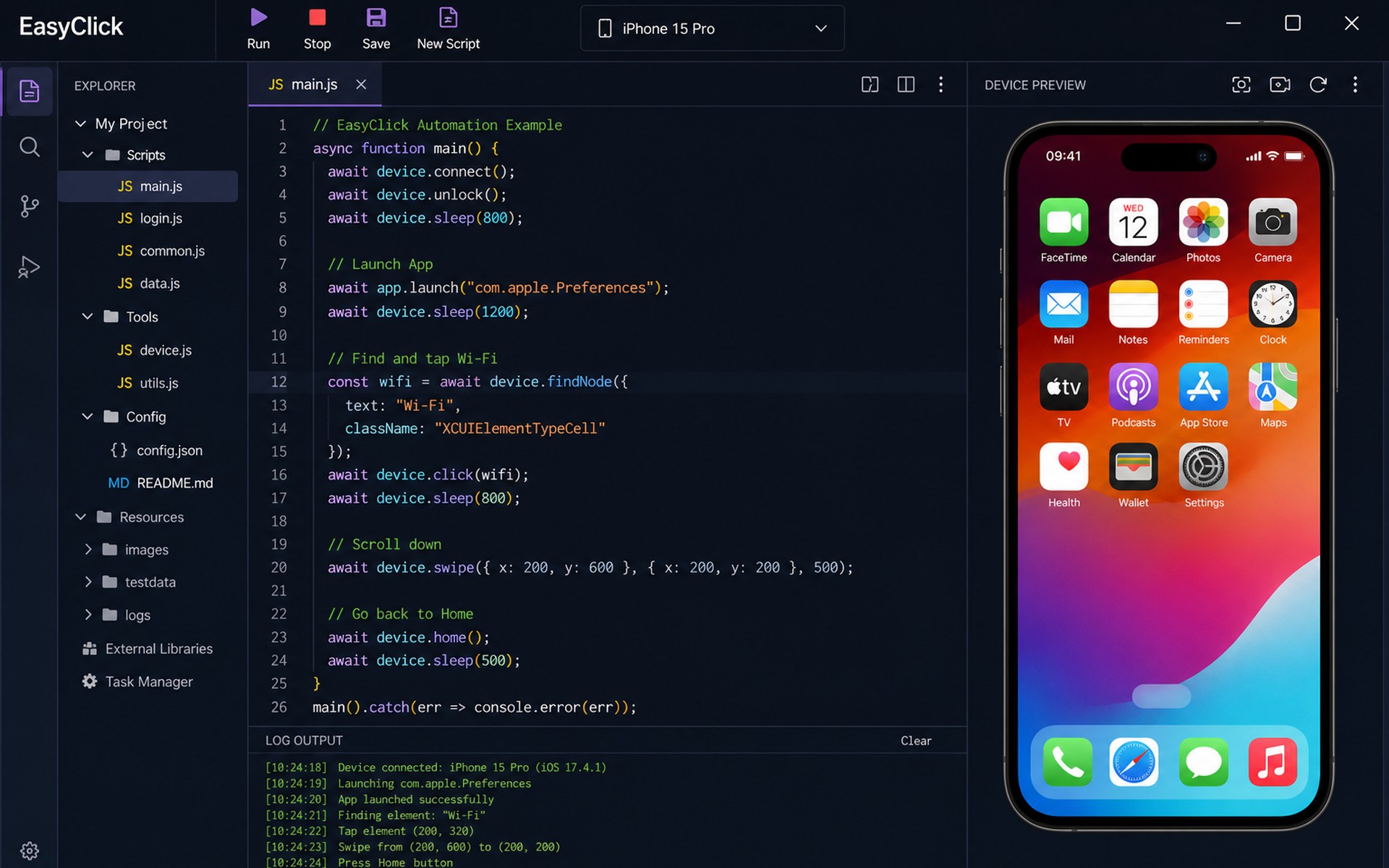
EasyClickProducts & solutions
Why choose EasyClick?
Android no-root, iOS no-jailbreak, and HarmonyOS real-device automation — scripting, cluster screen control, and cloud ops in one platform. Community edition available to try first.
 Android · iOS · HarmonyOS — one platform for mainstream real devices No root / no jailbreak — lower deploy friction, closer to real business apps Nodes · image · OCR — multiple locators for complex UIs Community trial — validate the approach before expanding to enterprise
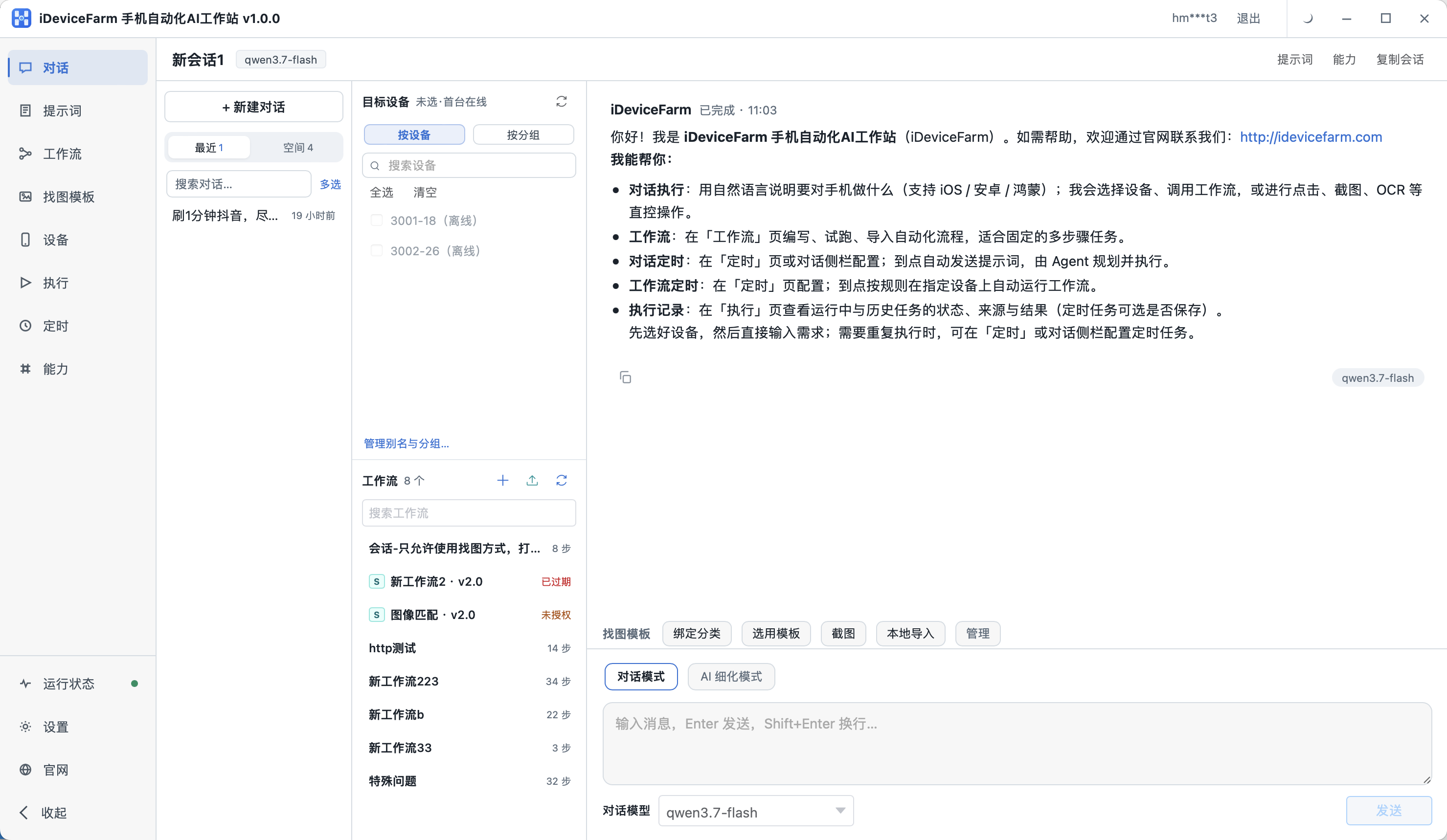
iEasyRunMobile Automation AI Workstation
The former EasyClick iOS AI Agent is now a free standalone product: install on your PC, manage many real devices, and drive phones with chat, workflows, or MCP on Android / iOS / HarmonyOS. Built for short-video ops, phone matrix ops, and cross-border TikTok matrix ops.
AI chat that drives phones
Describe the task in natural language — taps, swipes, typing, and app launches. Switch chat mode and AI refinement.
- Pick devices and workflows
- Image / OCR / VLM screen perception
- Runs locally — data stays on your PC
Workflows & prompt refinement
Visual multi-step automation, or co-create flows with AI; refine prompts then run .
- AI workflow collaboration and dry-runs
- Image template library for hard UI
- Schedules for chats and workflows
Cursor / WorkBuddy integration
Expose local MCP so Cursor, WorkBuddy, Claude, and more can list devices, run workflows, and drive phones.
- One-click MCP config copy
- Plug into your AI toolchain
- Download free and start
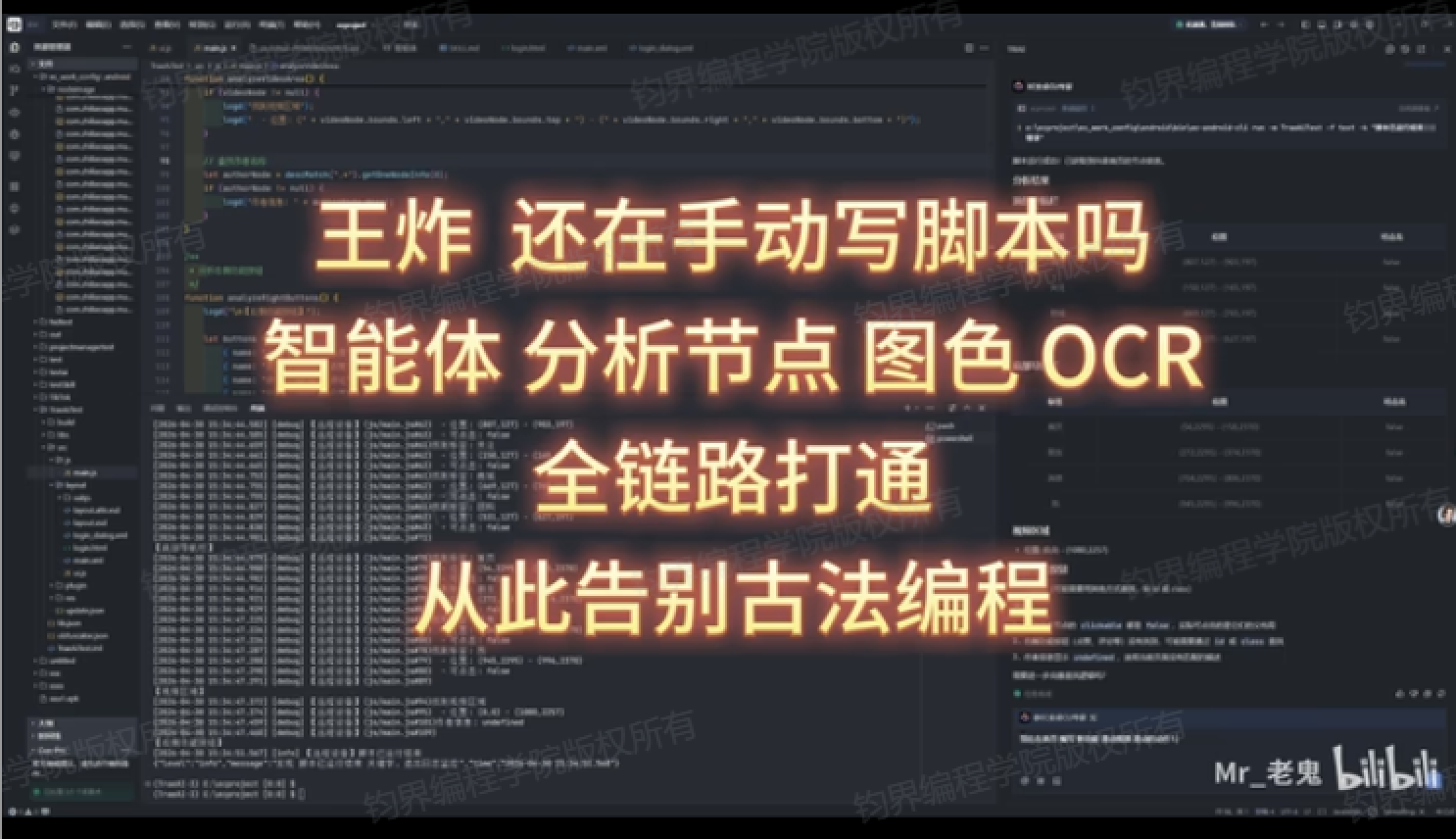
Learn with videos · EasyClick scripting
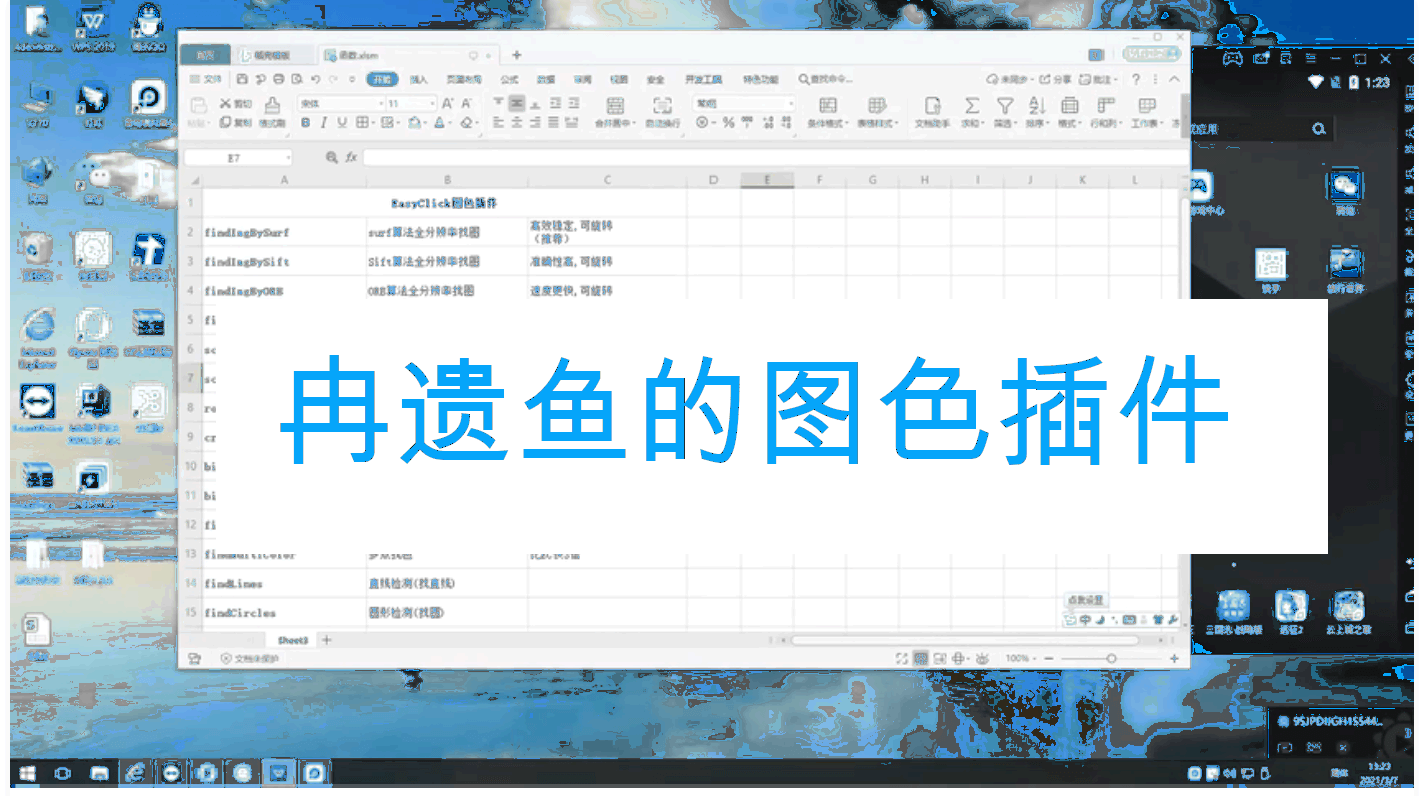
EasyClick — what can mobile automation do?
All-in-one Android environment
Integrated no-root Android scripting and testing — ready out of the box
All-in-one iOS environment
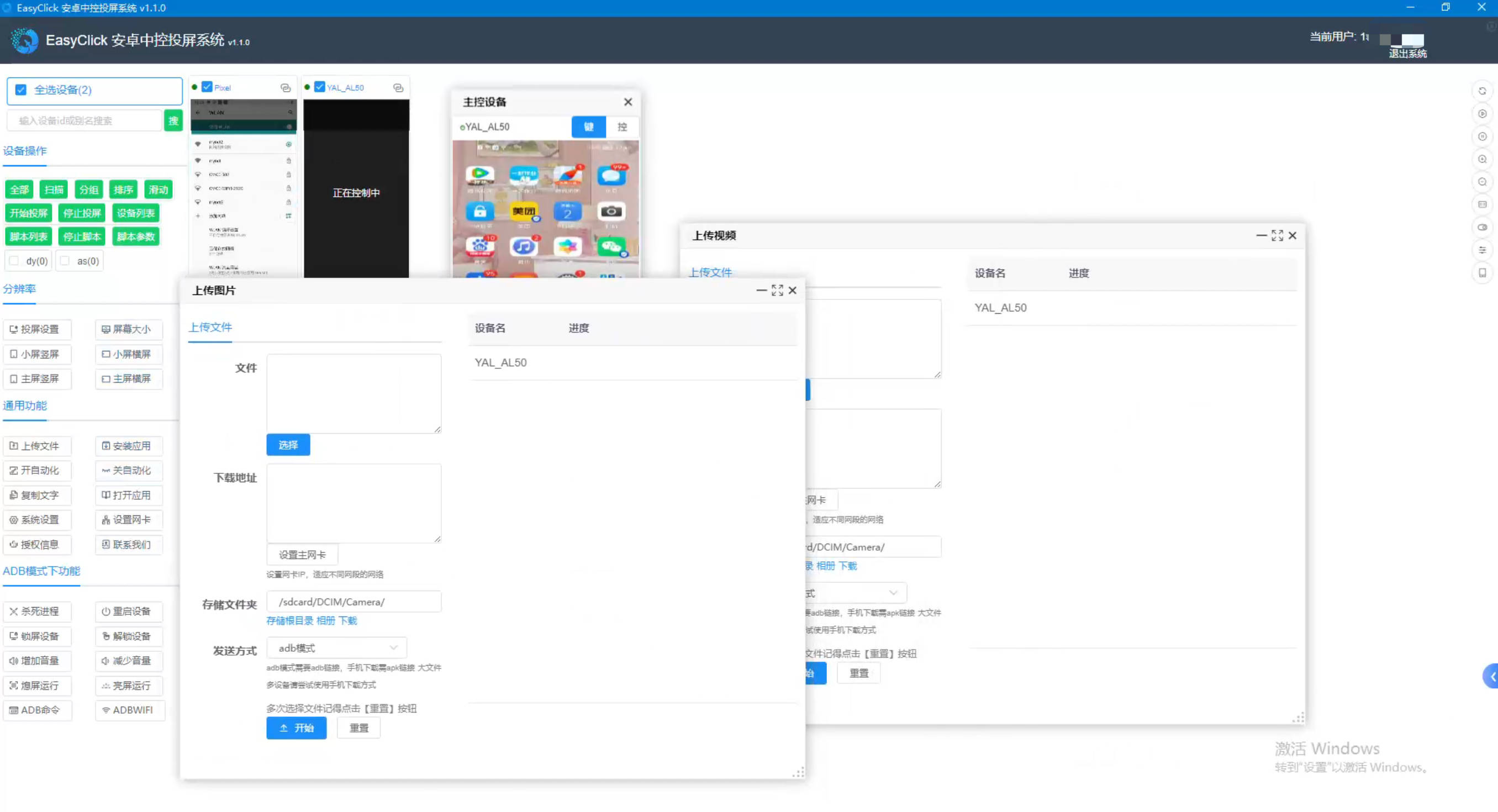
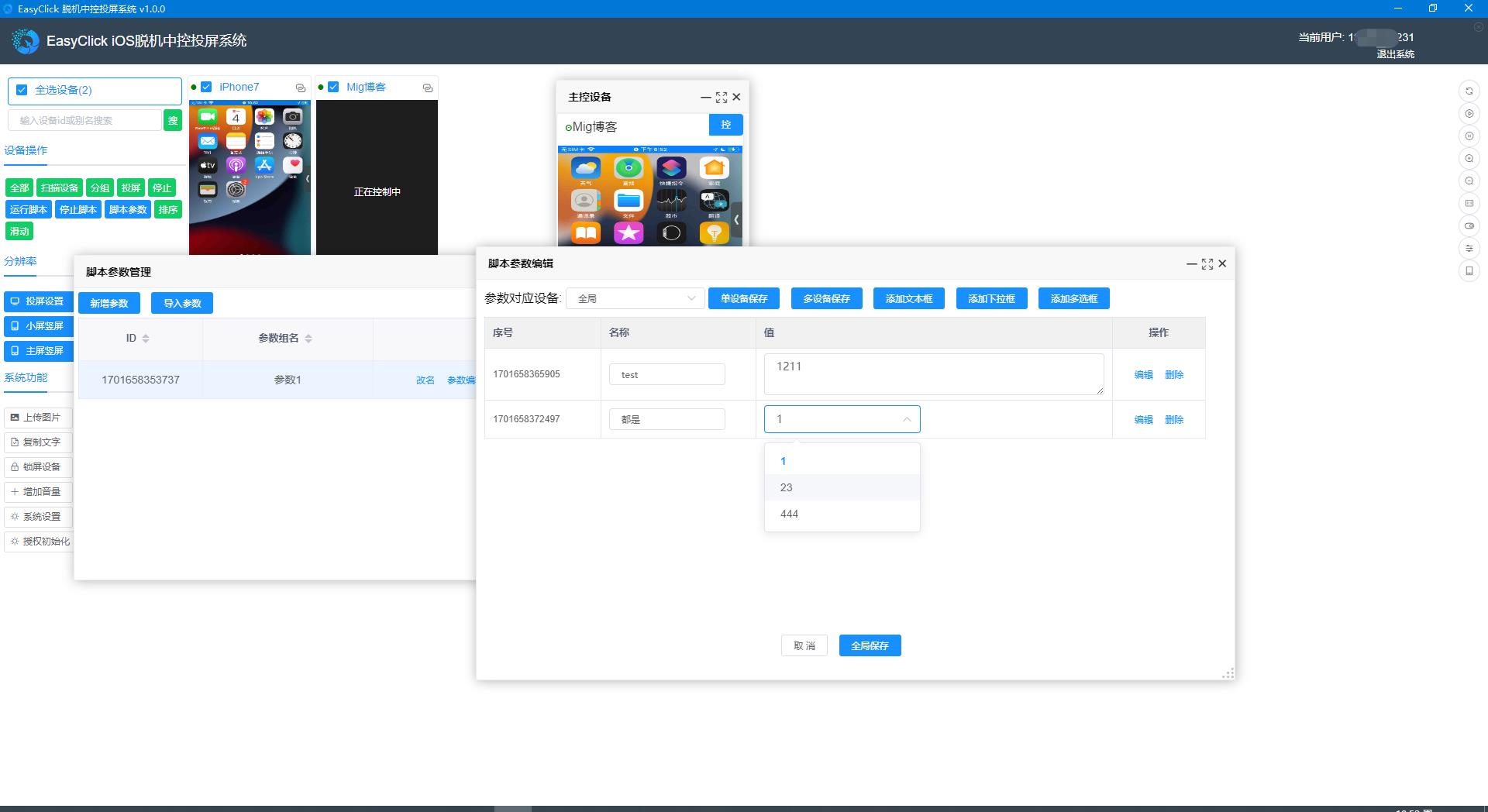
No-jailbreak iOS development plus control-center features
Node / UI element lookup
Android and iOS node finders for smoother UI automation
Image & OCR
OpenCV, PaddleOCR, OCRLite, and more — find image, color, and text
Flexible UI templates
HTML5 and native UI templates for better operator screens
iEasyRun AI workstation
Free: chat / workflows / MCP drive Android · iOS · HarmonyOS devices locally
Workflows & image templates
Visual workflows, prompt refinement, and image templates — less scripting
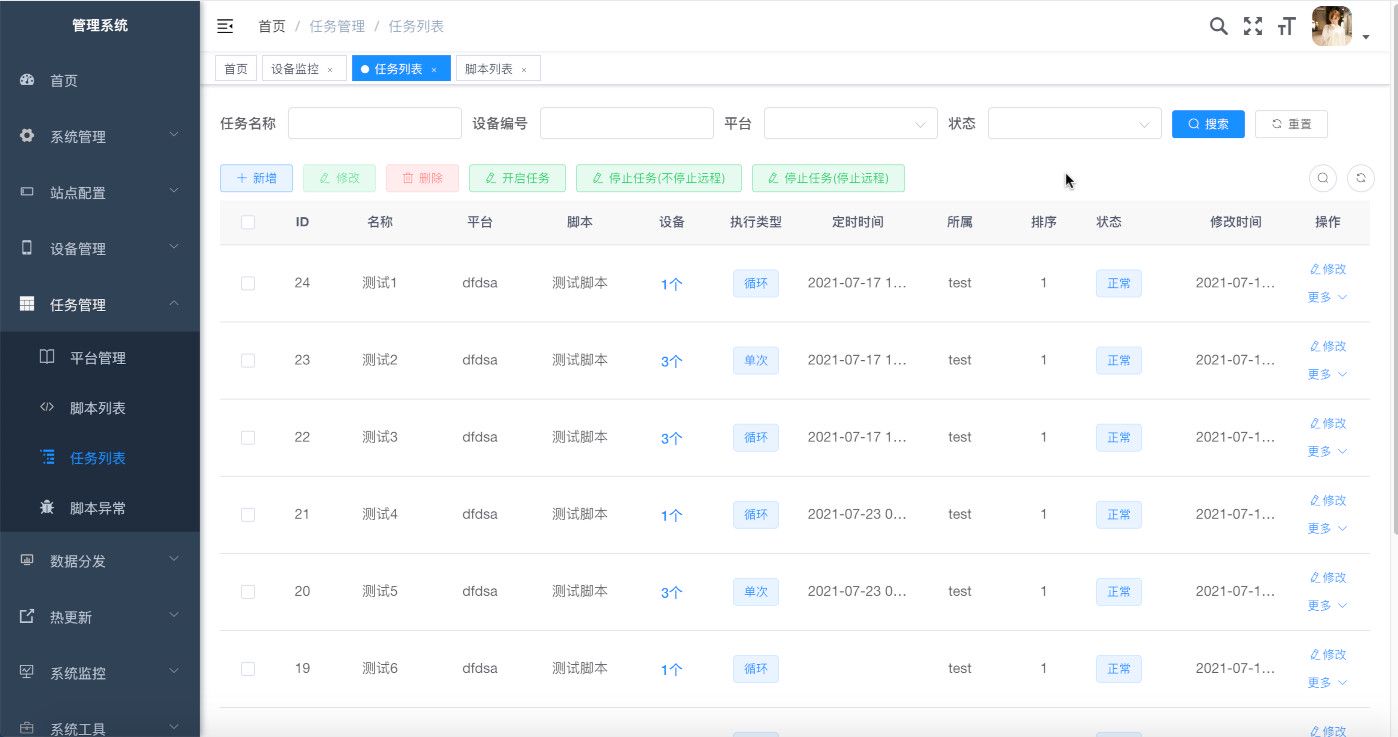
Native cloud control
Built-in cloud control to dispatch tasks and mirror screens remotely
Open MCP integration
Expose local MCP for one-click Cursor, WorkBuddy, and similar assistants
All-in-one HarmonyOS environment
HarmonyOS real-device scripting with the same EasyClick workflow as Android / iOS
Android cluster screen
Multi-device Android screen control and sync for batch ops and automation
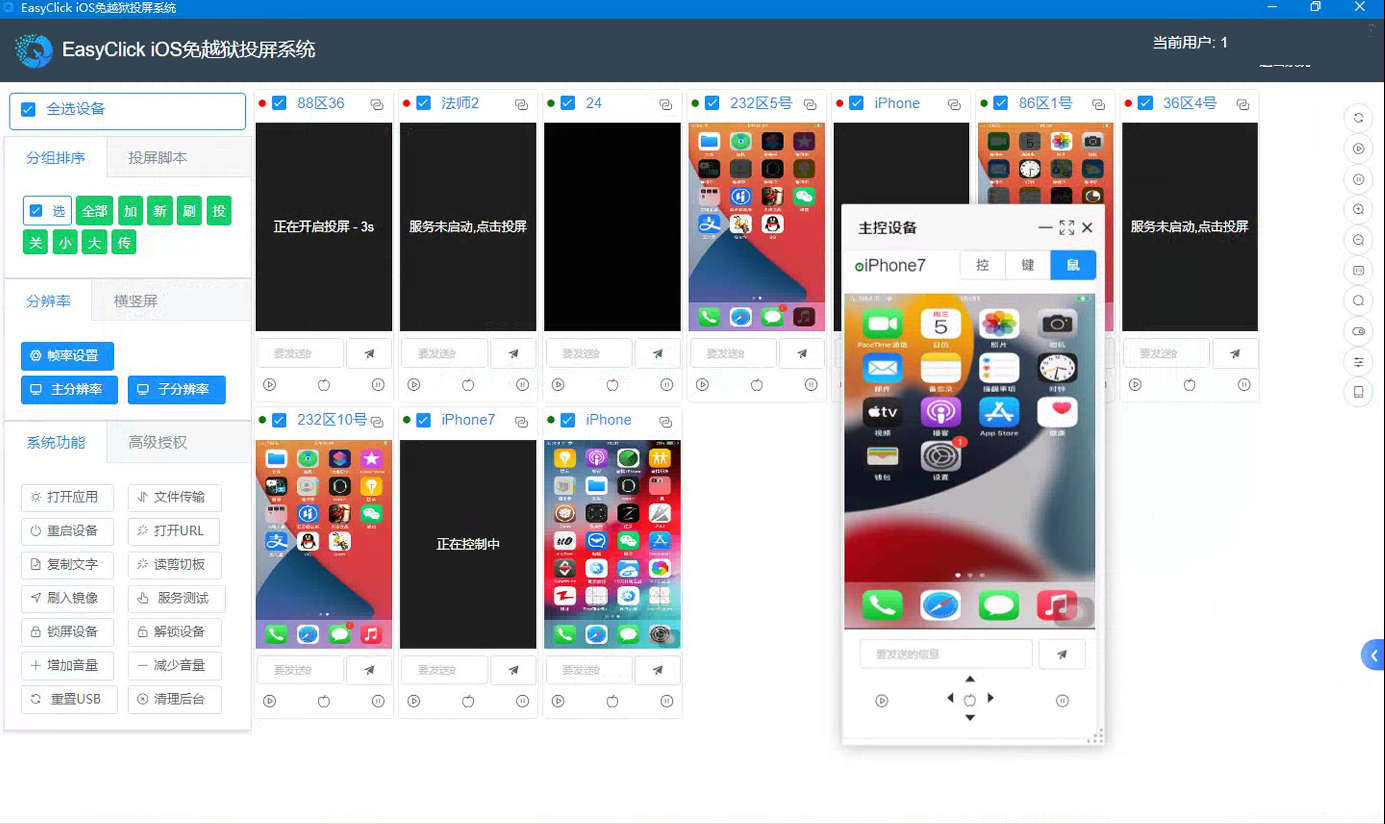
Apple / iOS cluster control
Centralized iPhone screen control without jailbreak — built for Apple fleets