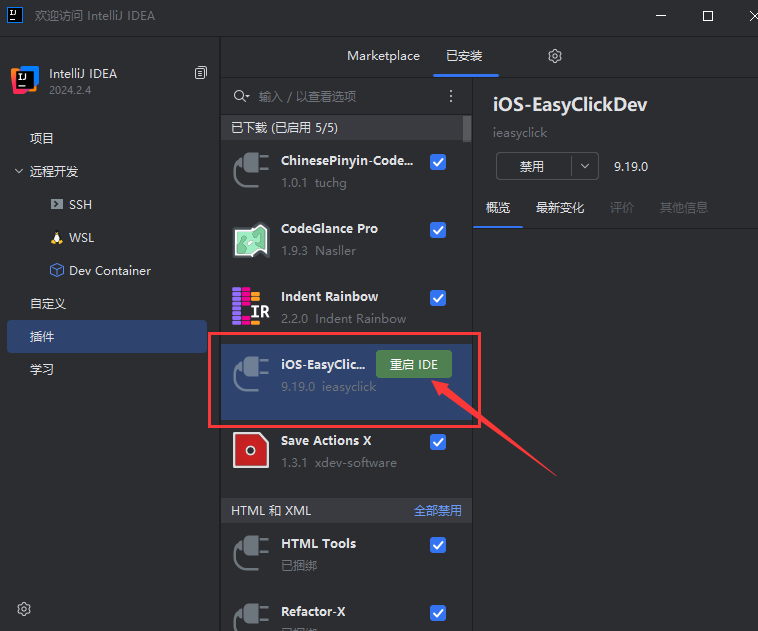
Install IDE plugin
1. Install the plugin
tip
- USB and standalone share one iOS IDEA plugin — install once
- Standalone features need plugin 4.6+
- Plugin version may be much newer than the standalone runtime — that is normal; use the latest plugin
- From cloud downloads: EC package → iOS resources → Dev plugin
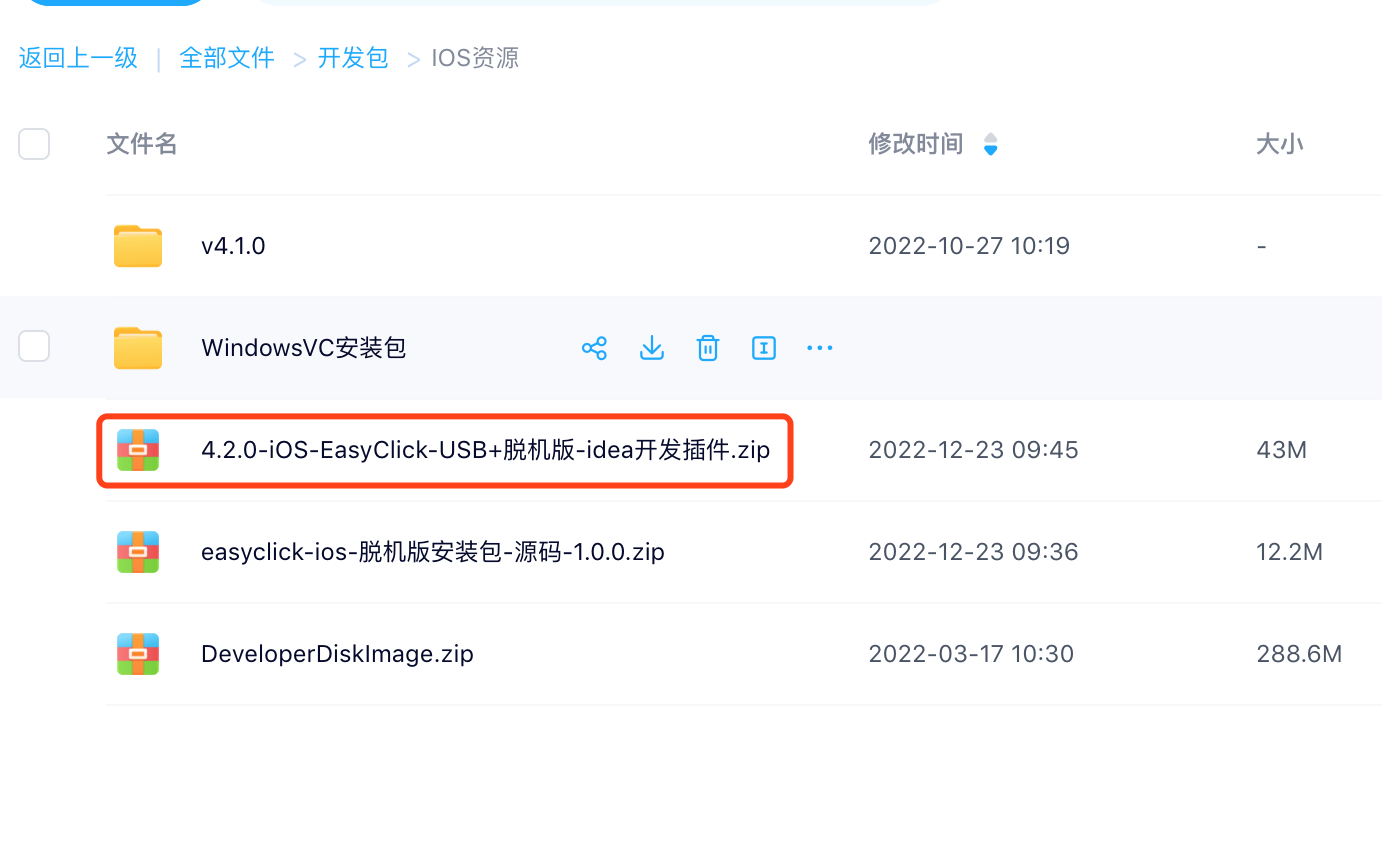
- IDEA 2023 through latest supported
- IDEA 2026.2+ does not require activating IDEA — install the plugin and use it
- Walkthrough → Plugin install & overview
- Restart IDEA after install
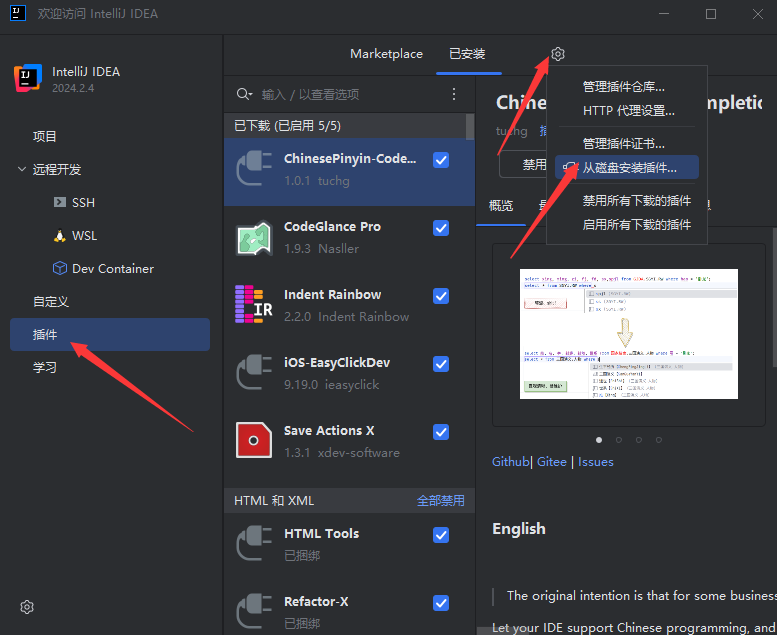
1. Install from disk
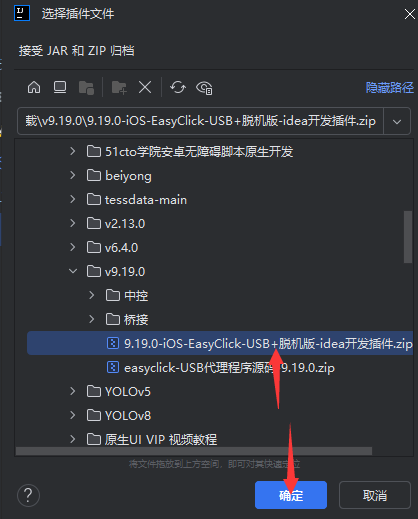
2. Pick the plugin zip
3. Restart IDEA