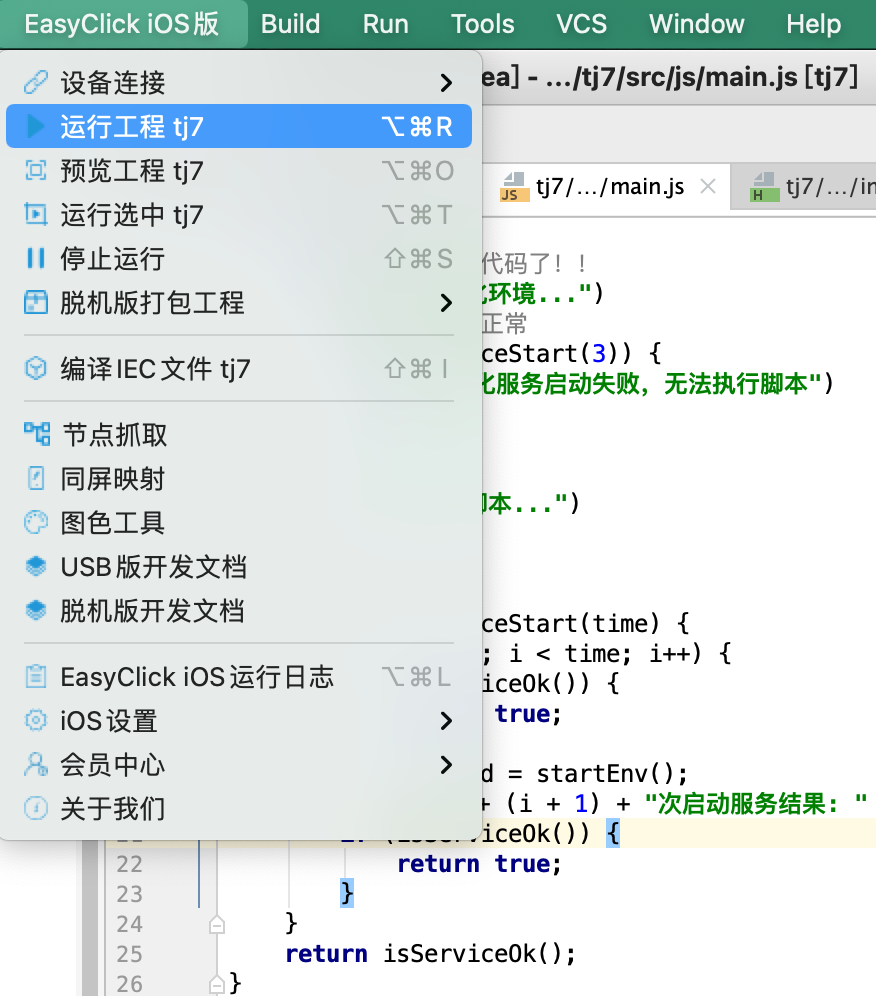
First project
1. Install the plugin
- From the cloud downloads: EC package → iOS resources → Dev plugin — file like
x.xx.x-iOS-EasyClick-USB+standalone-idea-plugin.zip - Steps are also in Install IDE tools
2. Create a project
-
iOS and Android both use a multi-module layout
-
Open an empty folder (Open), e.g.
ttt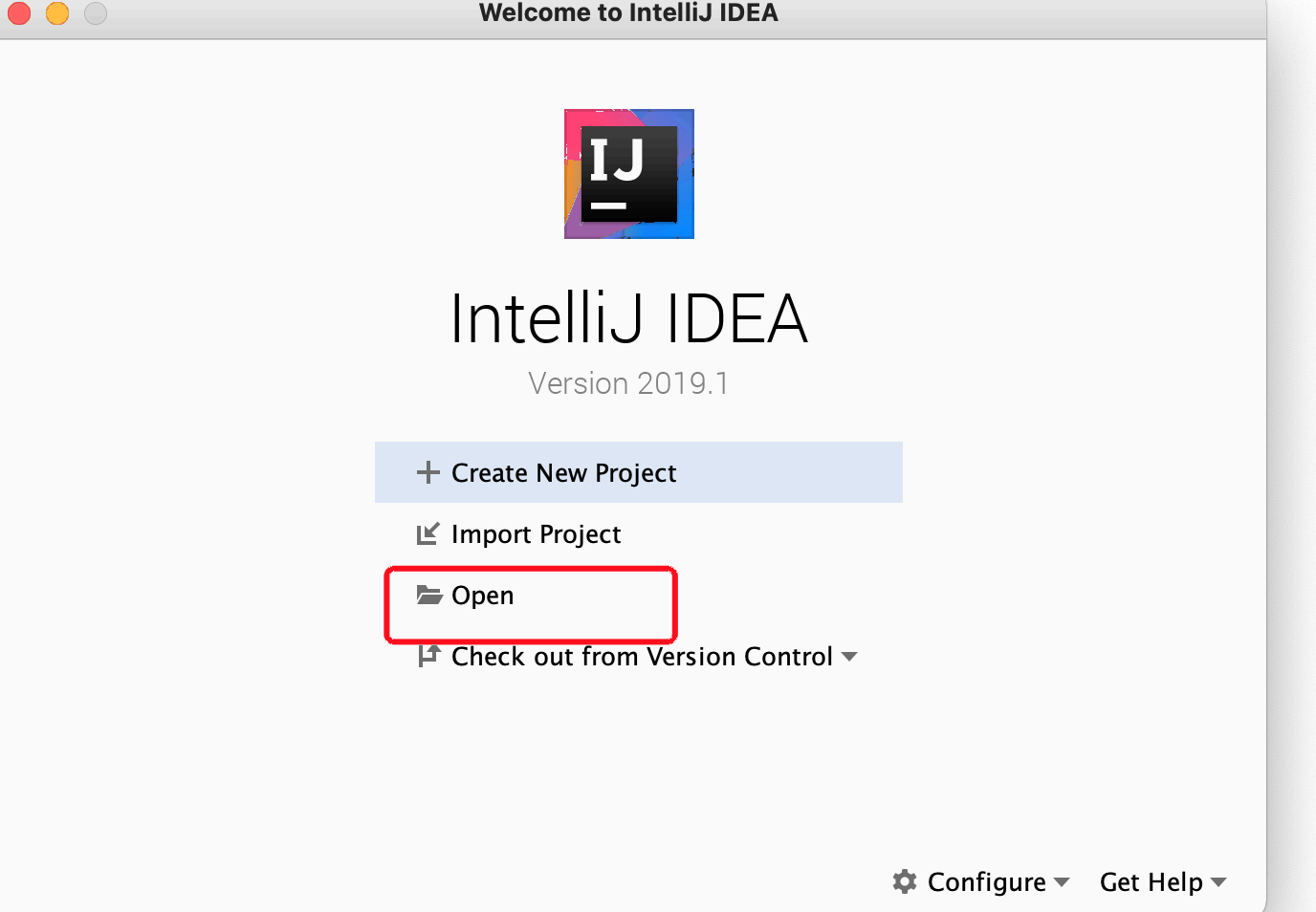
-
Right-click
ttt→ New Module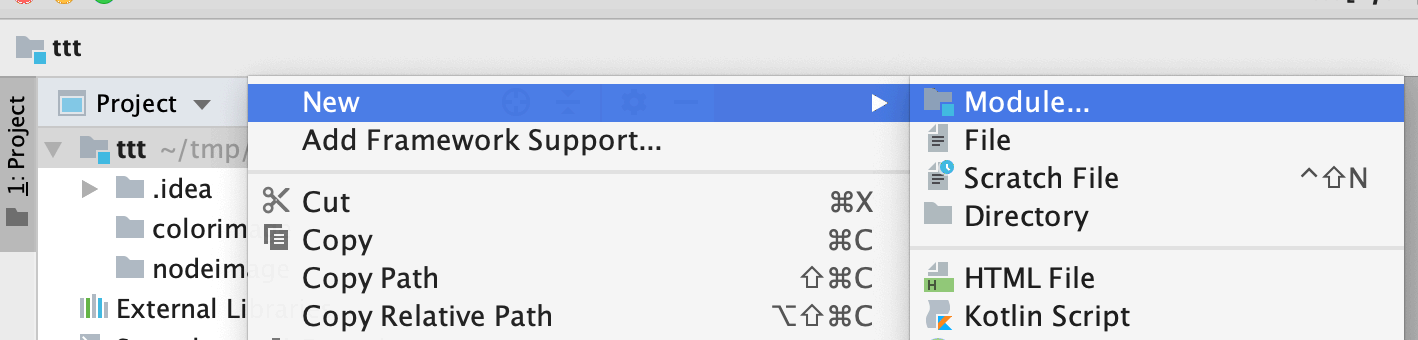
-
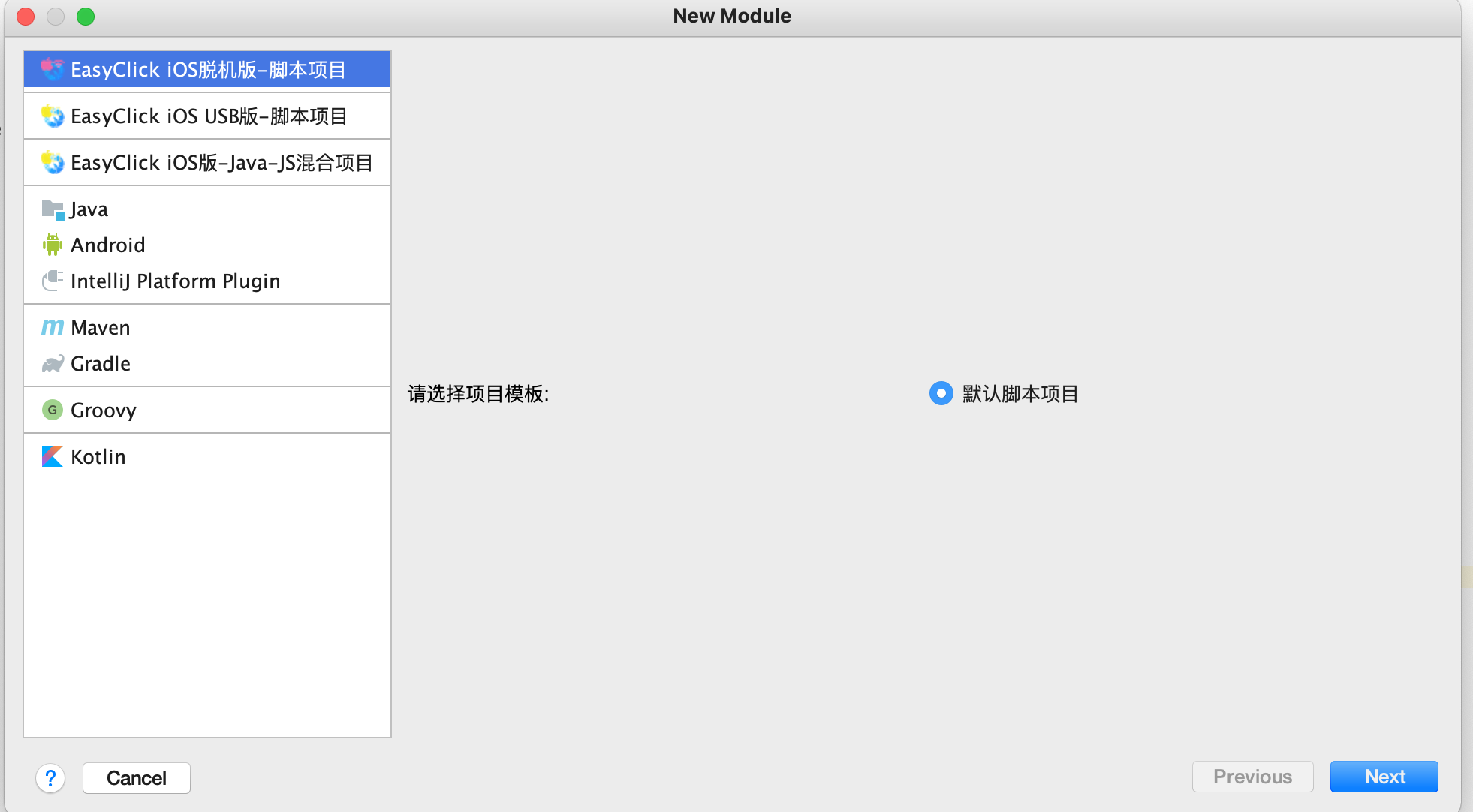
Choose iOS — standalone project, enter a name, Next
-
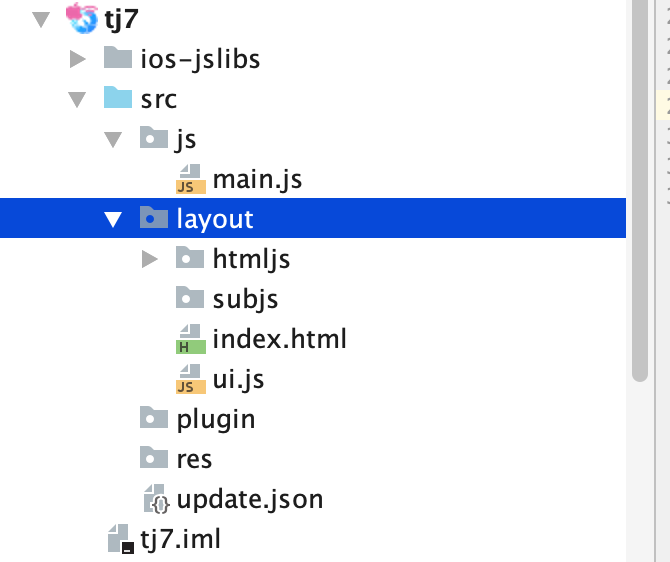
Project structure after create
3. Connect a device
- Open the main app on the phone to see the connect address; in IDEA choose Device connect → Standalone device connect
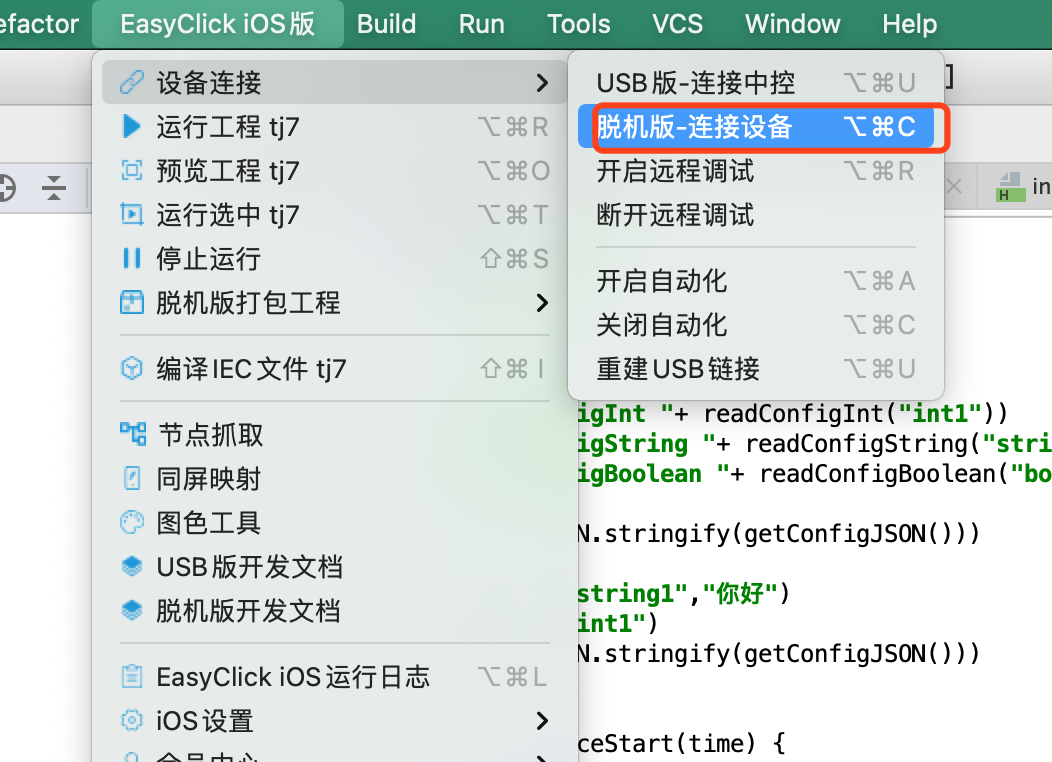
- Enter the device address → OK

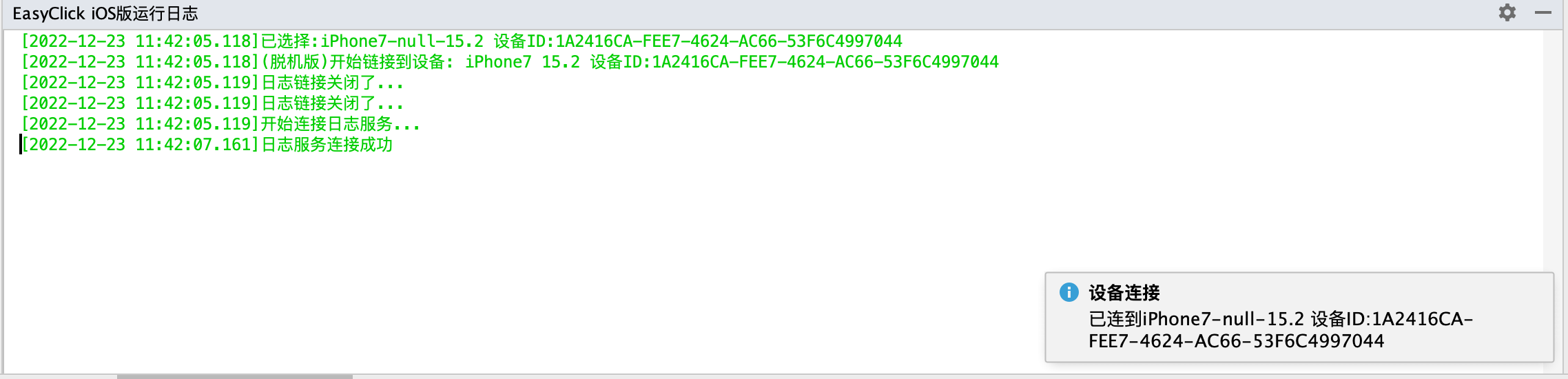
- Connected
4. Preview
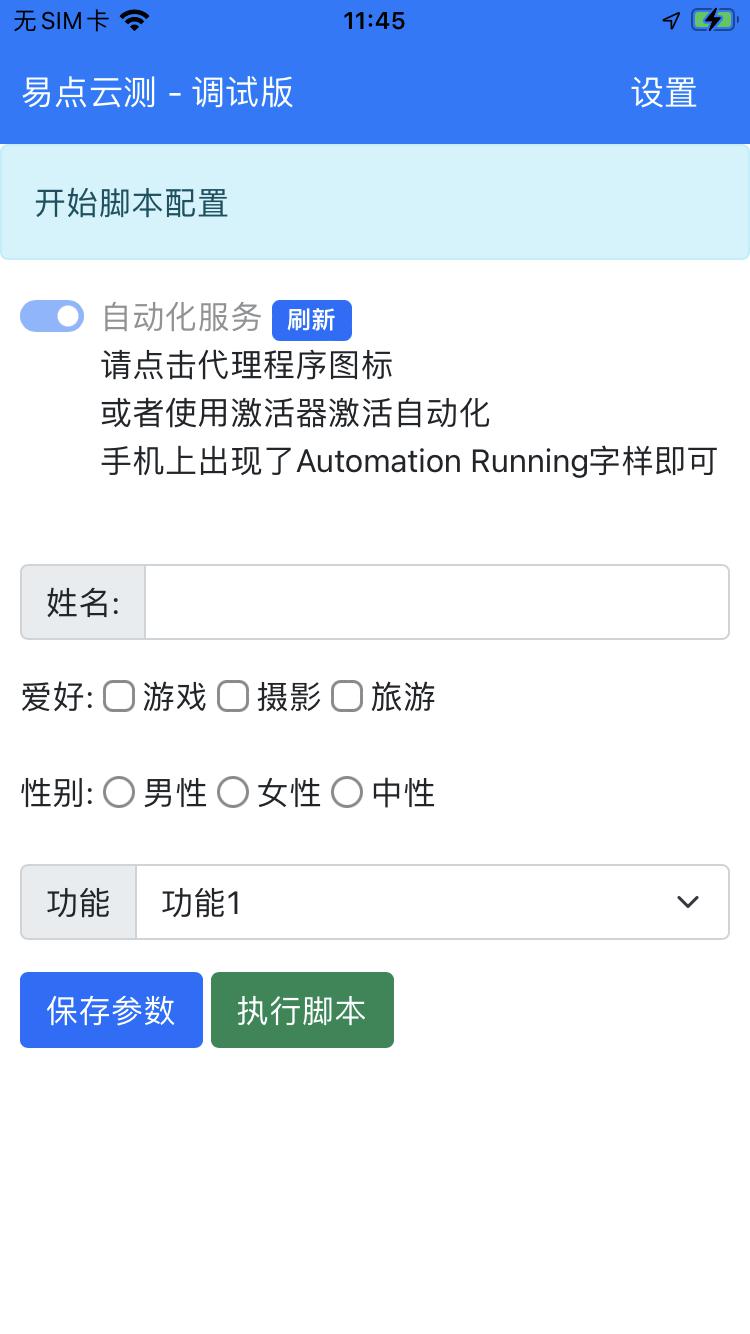
- Select the standalone project → menu or right-click → Preview
5. Run
- Select the standalone project → menu or right-click → Run