Standalone Plugin Development
Create Plugin Project
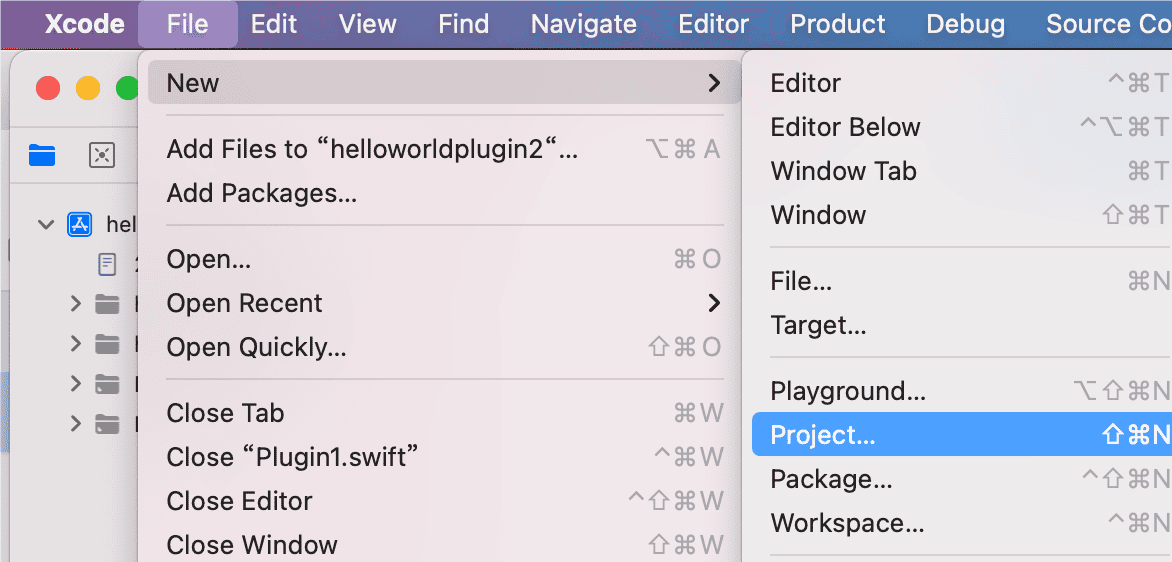
- In Xcode, choose New → Project
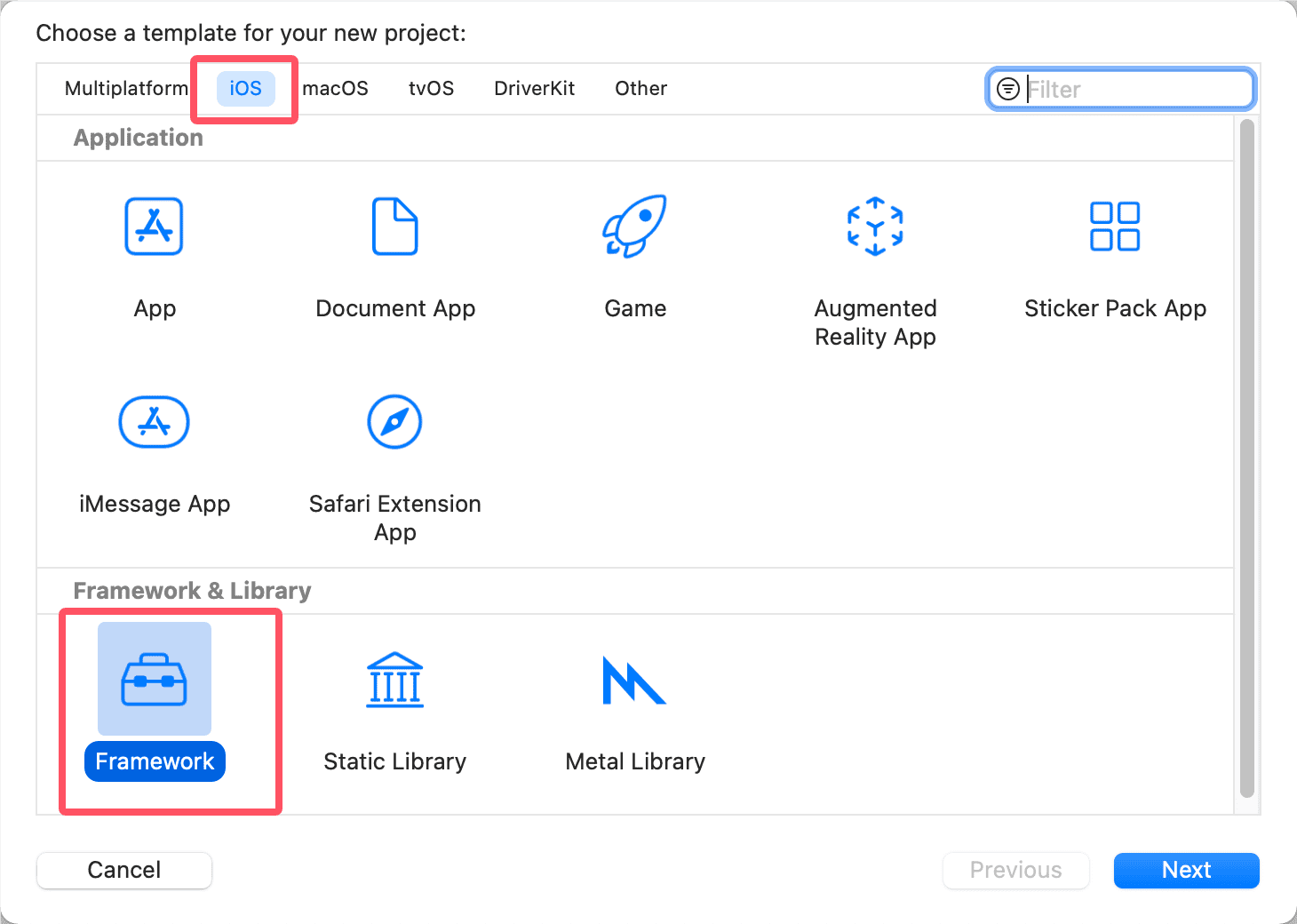
- Choose iOS Framework type, then Next
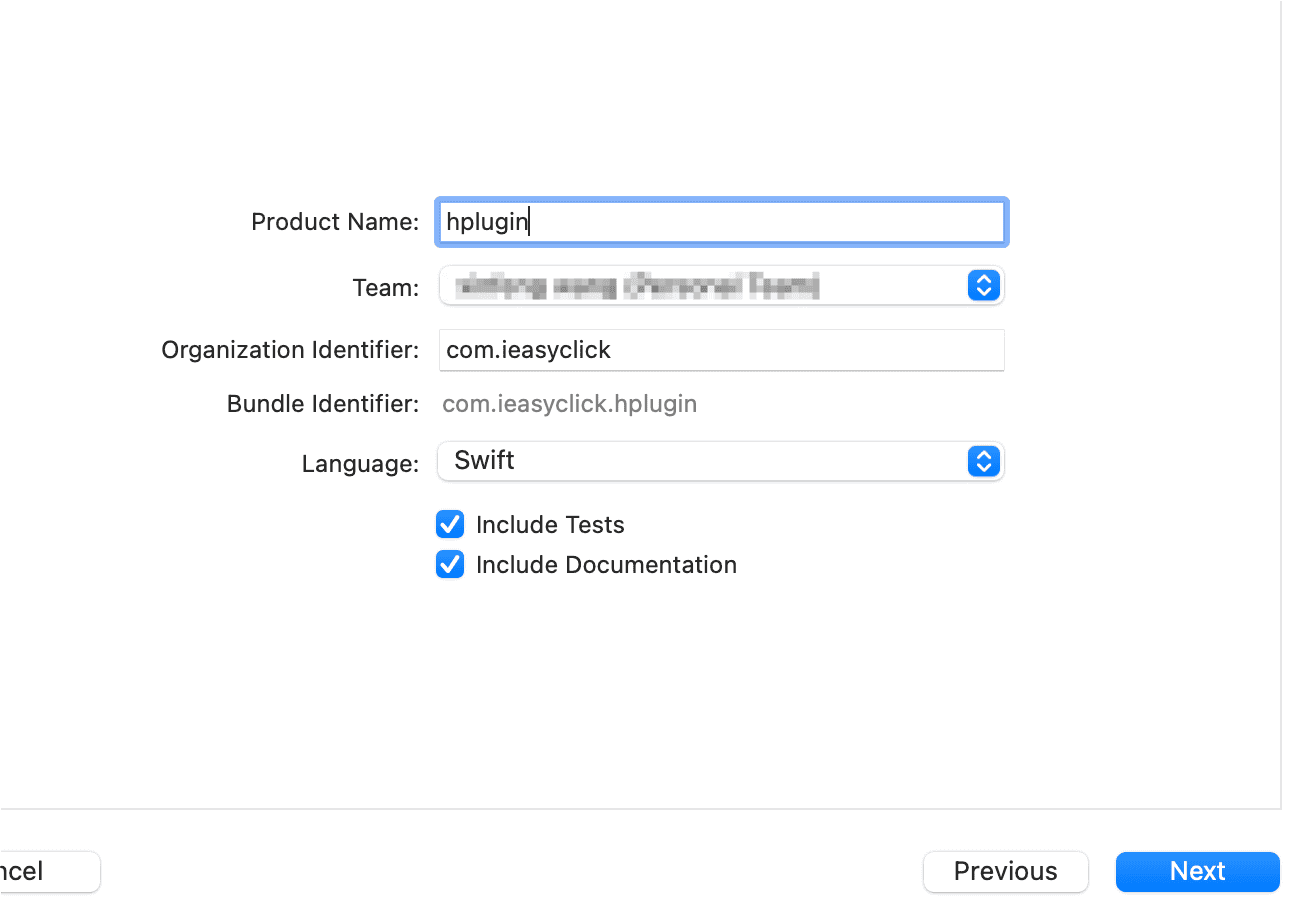
- Enter plugin name — no Chinese. Example: hplugin. Other options as shown. Change Bundle Identifier as needed
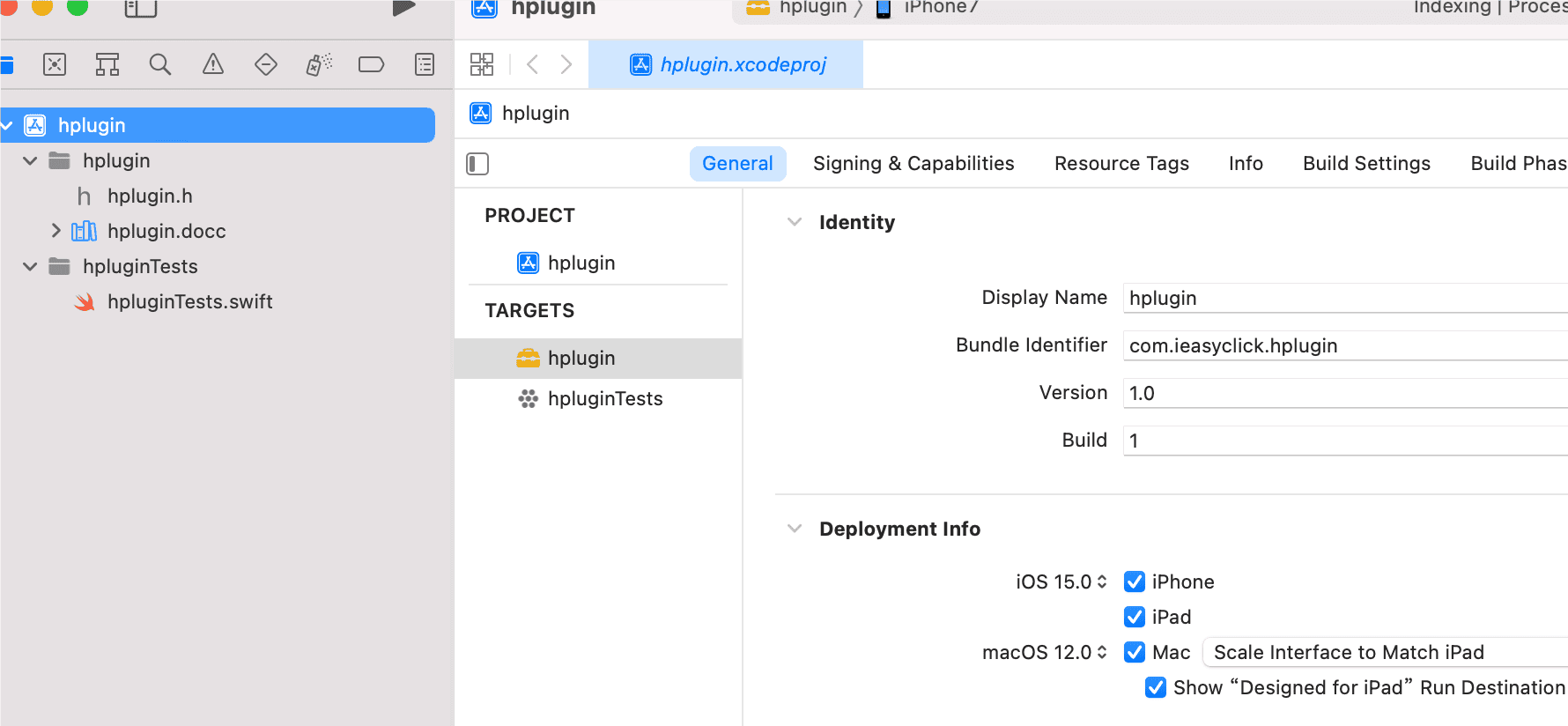
- Project structure:
Add Framework
- Copy downloaded pluginhost.framework into the project directory
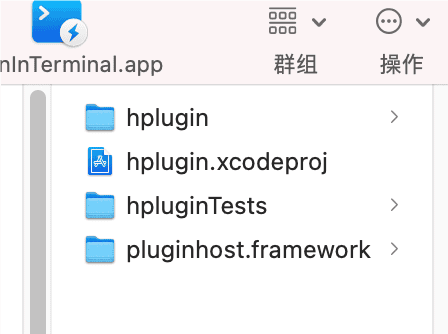
- Add pluginhost.framework reference in Xcode
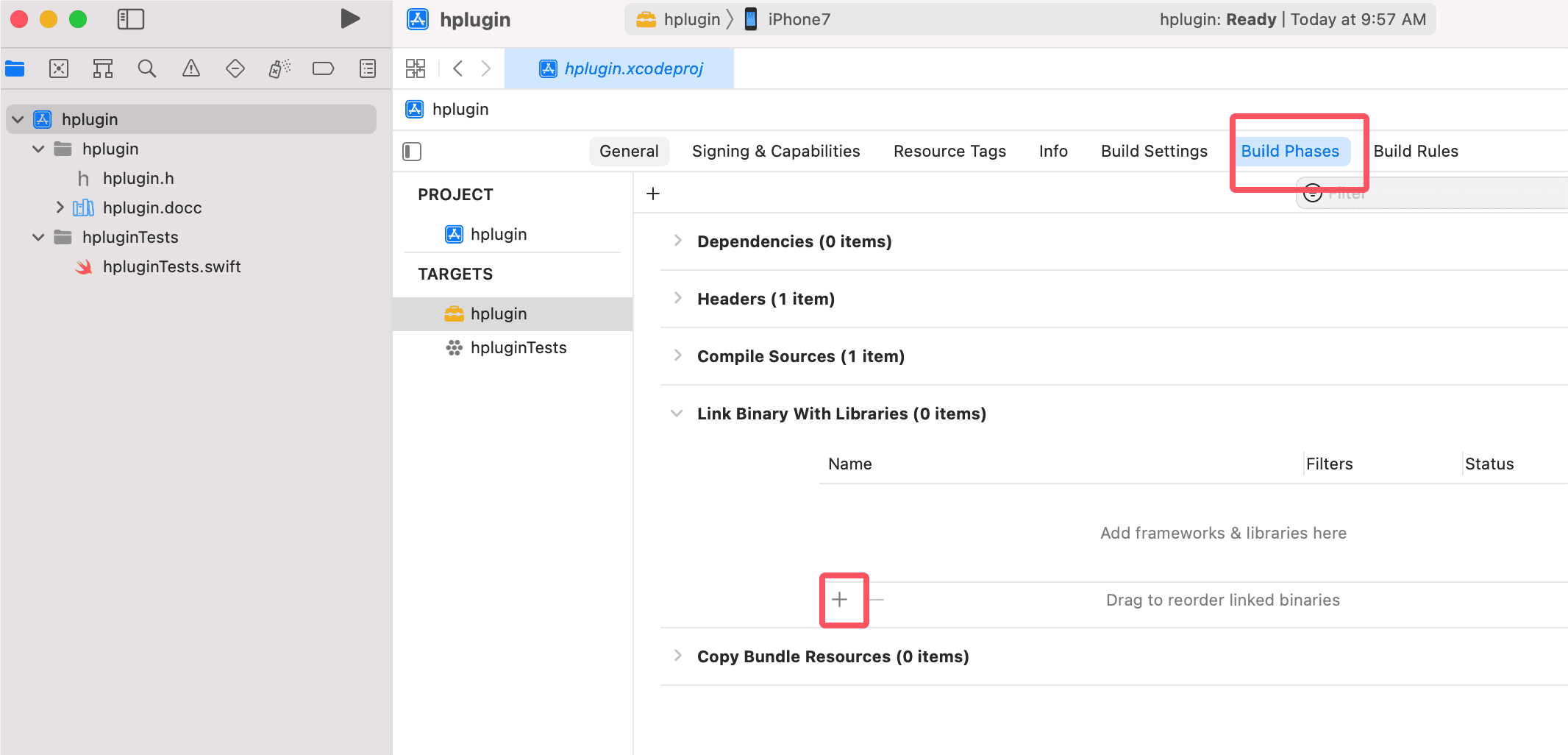
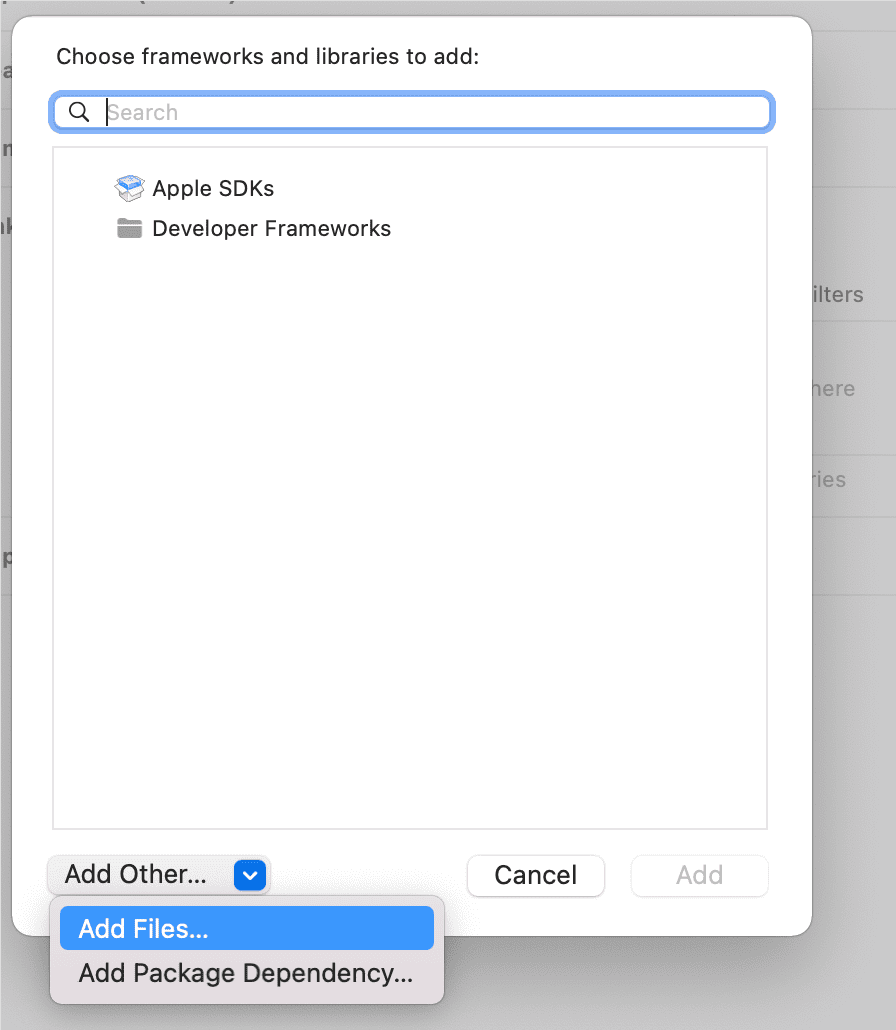
- Click +, choose Add Files, then select pluginhost.framework
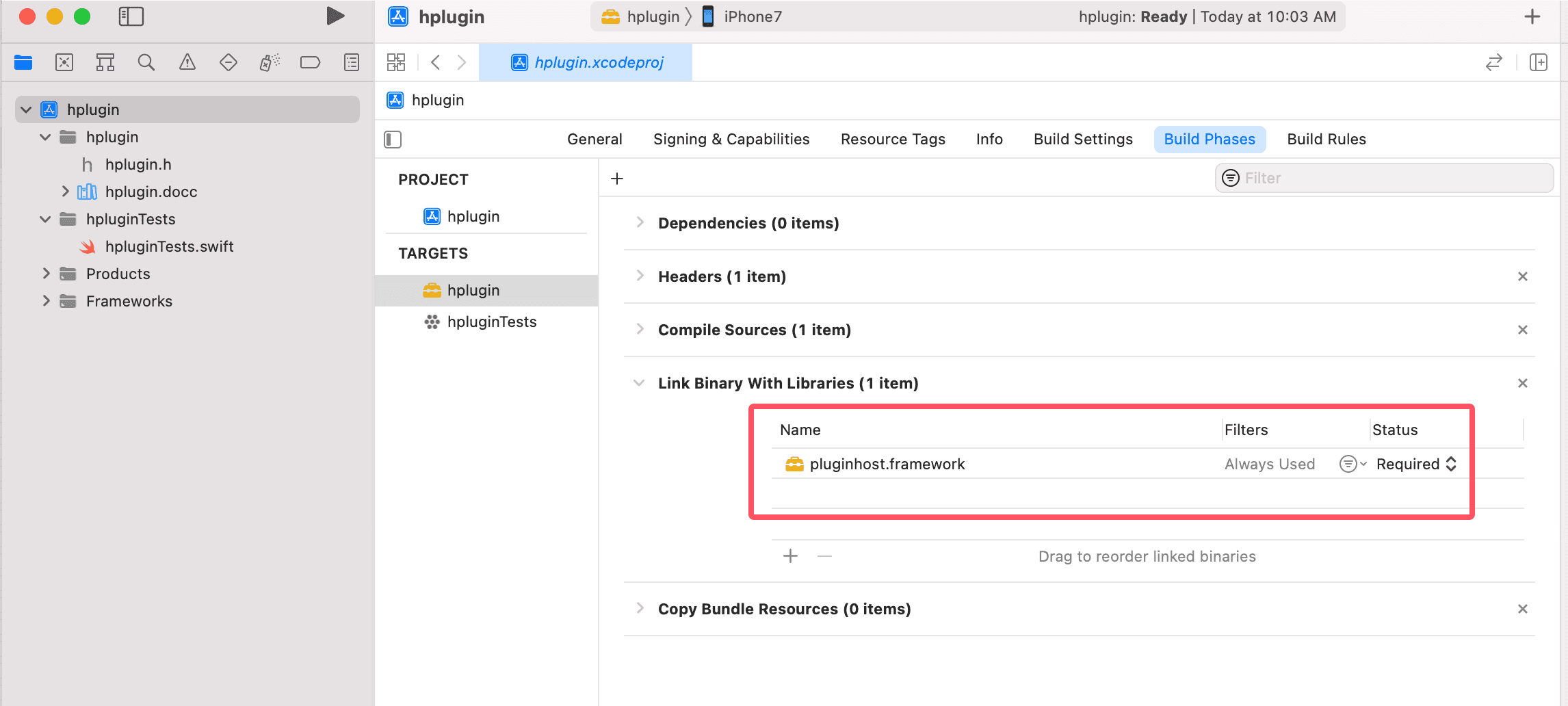 - Set pluginhost.framework to **Do Not Embed**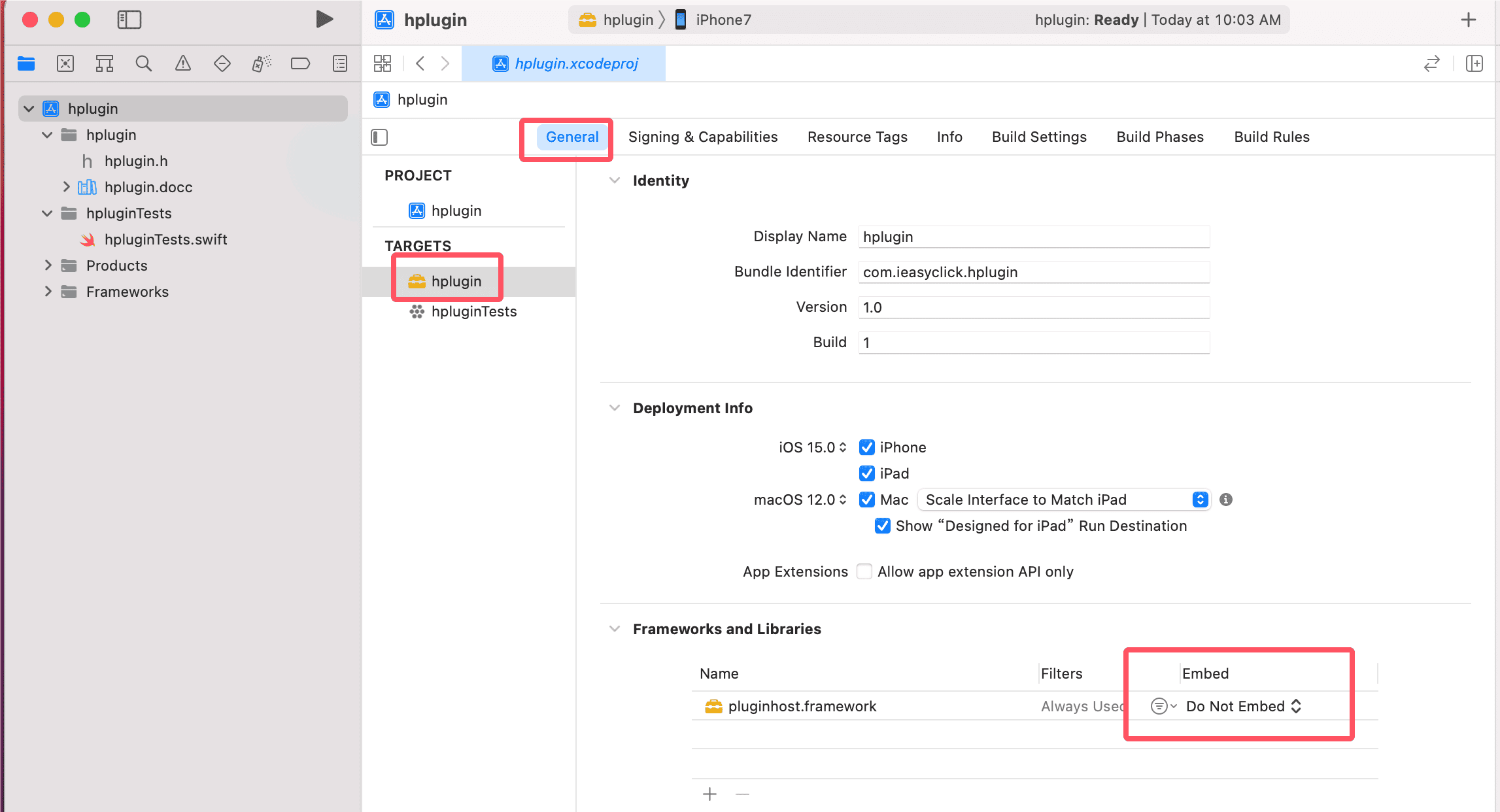
Create Plugin Class
- Right-click the Xcode project, choose New File
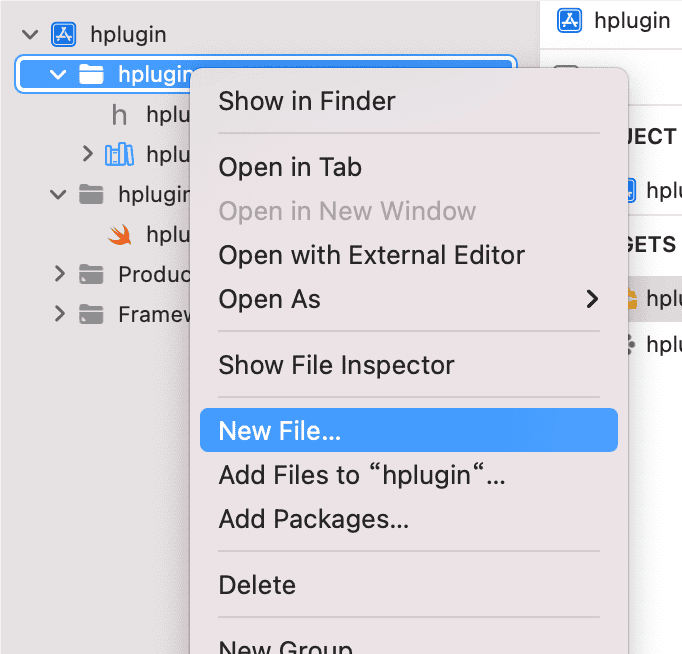
- Choose Swift File
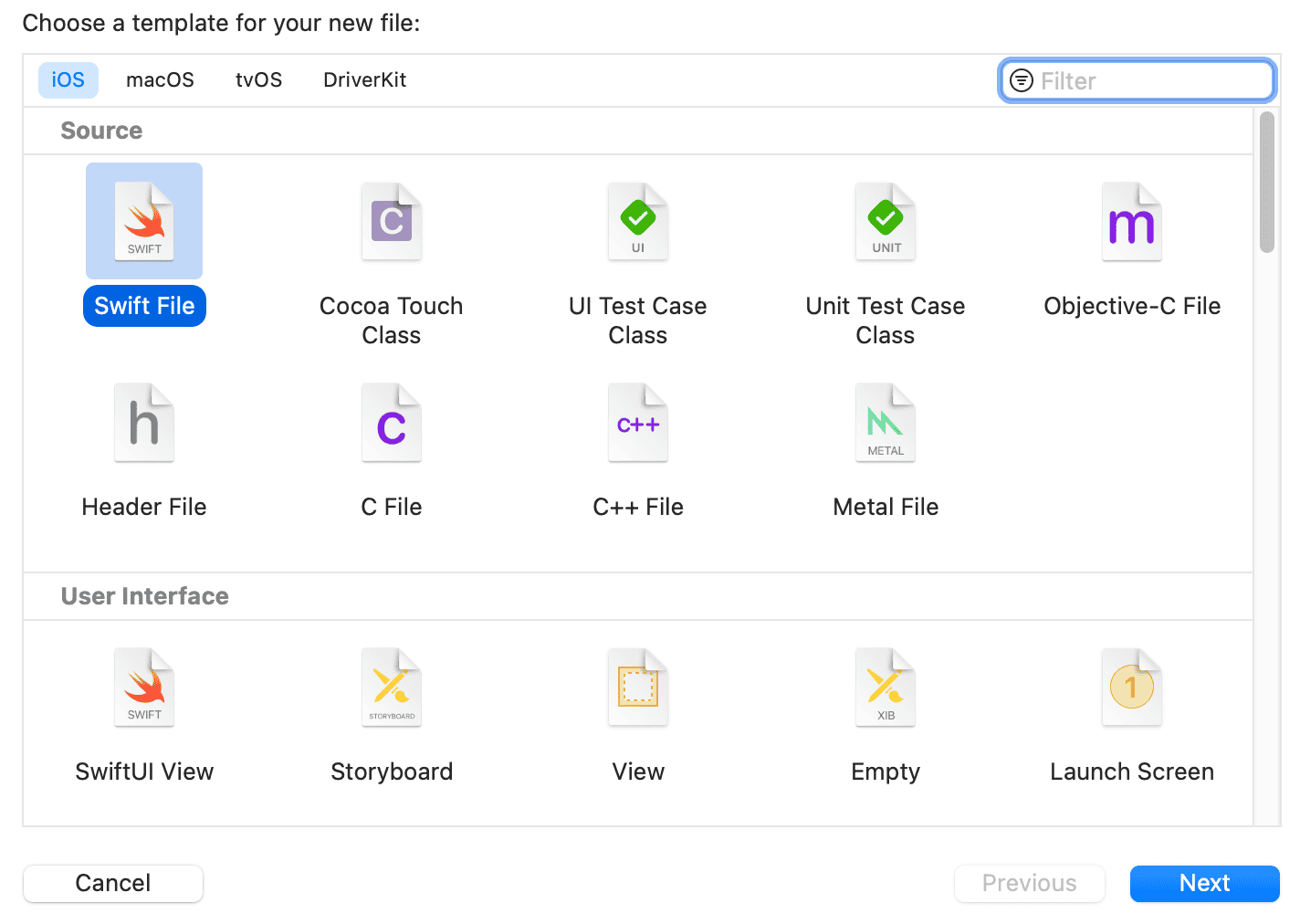
- Name it Plugin1 (or another name). Class content:
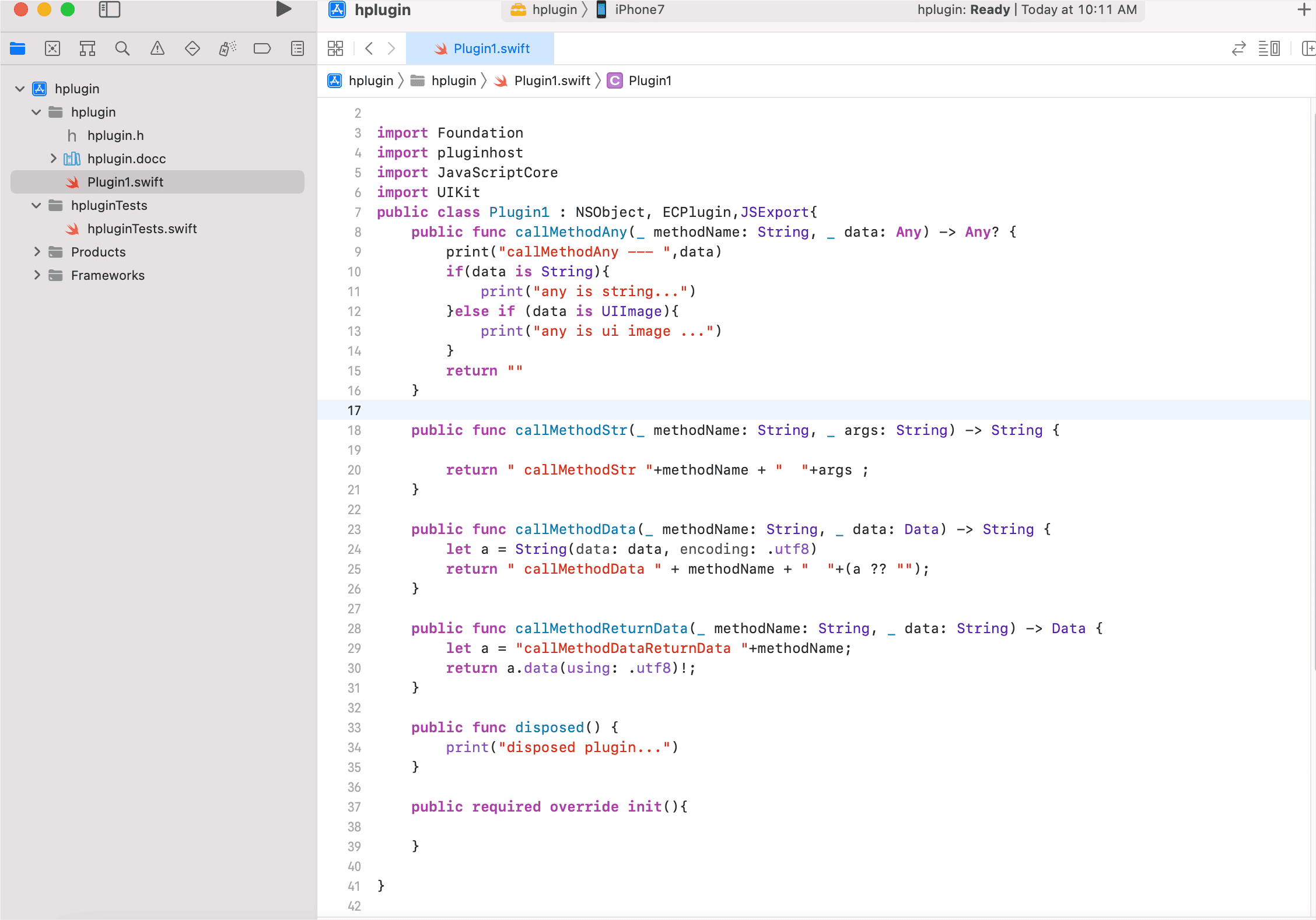
Method Override Reference
// Comments based on demo codeimport Foundationimport pluginhostimport JavaScriptCoreimport UIKit// Inheriting ECPlugin means the interface is ECPlugin, used as reflection base// Inheriting JSExport means methods in this class can be called from JSpublic class Plugin1 : NSObject, ECPlugin,JSExport{ // Corresponds to pluginLoader.callMethodAny public func callMethodAny(_ methodName: String, _ data: Any) -> Any? { print("callMethodAny --- ",data) if(data is String){ print("any is string...") }else if (data is UIImage){ print("any is ui image ...") } return "" } // Corresponds to pluginLoader.callMethodStr public func callMethodStr(_ methodName: String, _ args: String) -> String {
return " callMethodStr "+methodName + " "+args ; } // Corresponds to pluginLoader.callMethodData public func callMethodData(_ methodName: String, _ data: Data) -> String { let a = String(data: data, encoding: .utf8) return " callMethodData " + methodName + " "+(a ?? ""); } // Corresponds to pluginLoader.callMethodReturnData public func callMethodReturnData(_ methodName: String, _ data: String) -> Data { let a = "callMethodDataReturnData "+methodName; return a.data(using: .utf8)!; } // Called when script ends to release resources public func disposed() { print("disposed plugin...") }
// Constructor used when instantiating public required override init(){
}
}Package Plugin
Xcode Build
- Use Product menu in Xcode to build the plugin
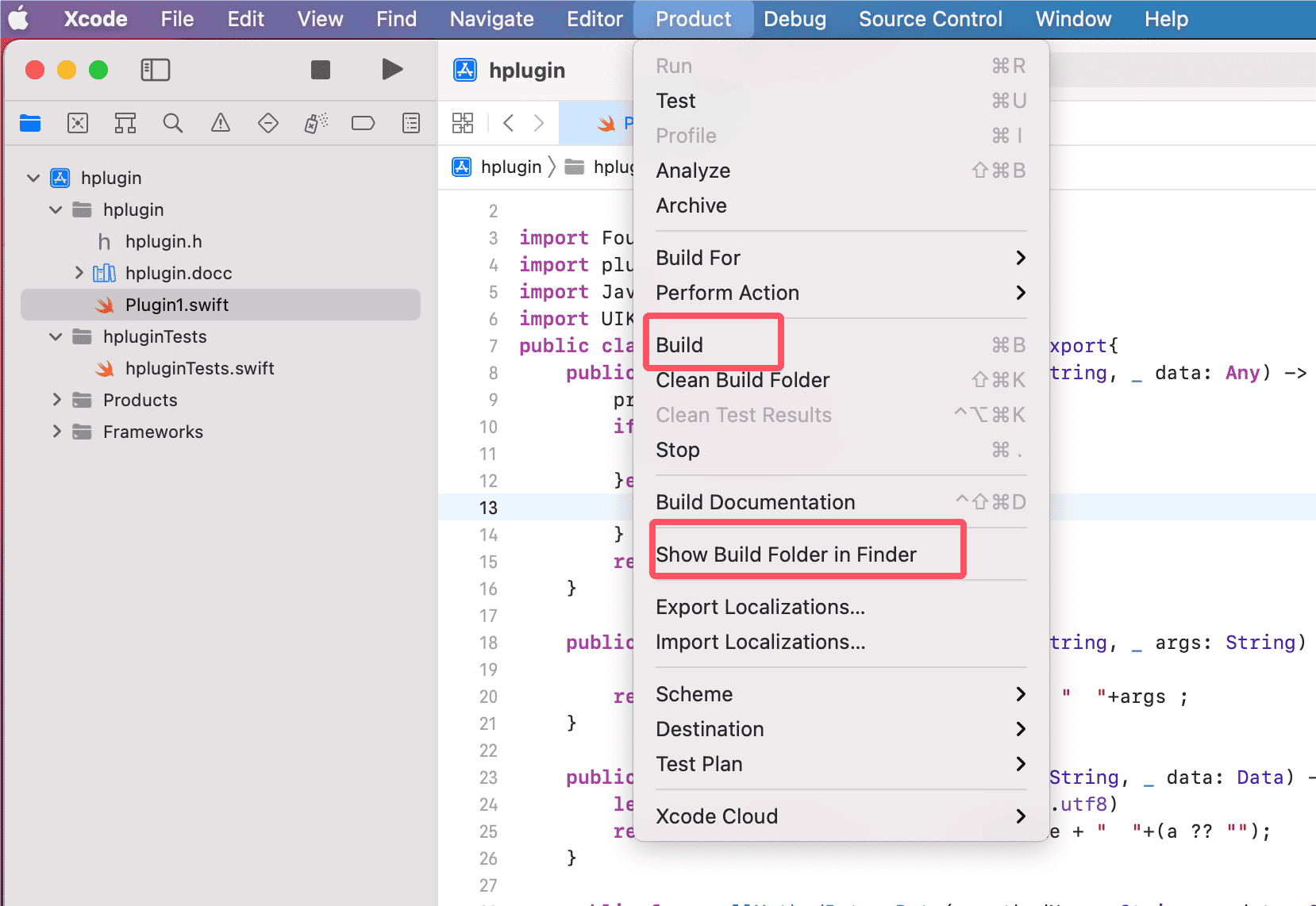
- Click
Buildto compile. ClickShow Build Folder in Finder, go to the build output directory, and copy out the.frameworkfile
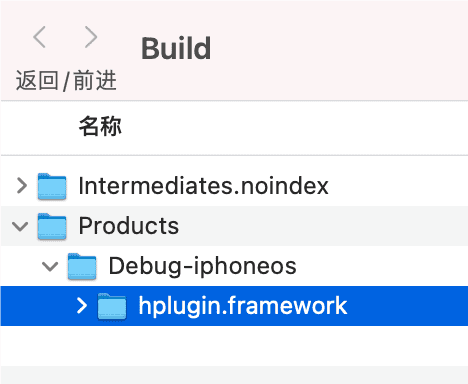
Command-Line Build
- Pre-written script; replace
helloworldpluginwith your plugin name. Output is in the current project directory after build
#!/bin/bashWORK_DIR= `pwd`echo `$WORK_DIR`
build_plugin_frame(){ rm -rf /tmp/derivedDataPath/* xcodebuild build -project helloworldplugin.xcodeproj -scheme helloworldplugin -sdk iphoneos -configuration Release -derivedDataPath /tmp/derivedDataPath -allowProvisioningUpdates cp -r /tmp/derivedDataPath/Build/Products/Release-iphoneos/helloworldplugin.framework ./ cd $WORK_DIR}
build_plugin_frameUse Plugin
- For development
- In EC iOS dev plugin, create a project, build a debug package, choose
Add Third-Party Plugin, and select the framework file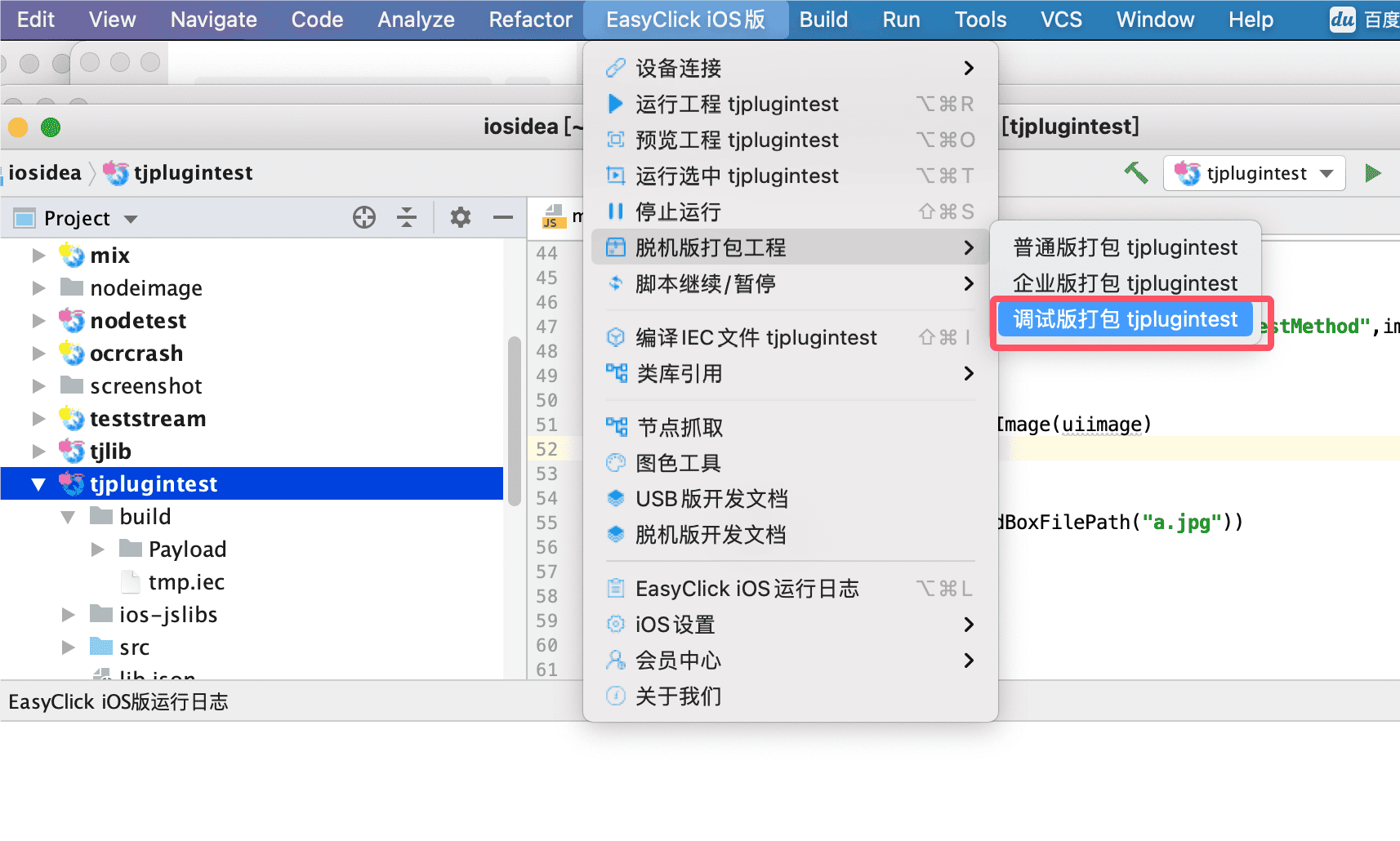
- After packaging, sign the IPA, install on phone, and debug code
- For release
- Same steps to select the plugin file. When publishing, choose
Standard PackageorEnterprise Package