EasyClick ec-ios-cli install prerequisites, subcommands, flags, and examples.
Use when a user or Agent needs to run, script, or troubleshoot this CLI; no implementation internals.
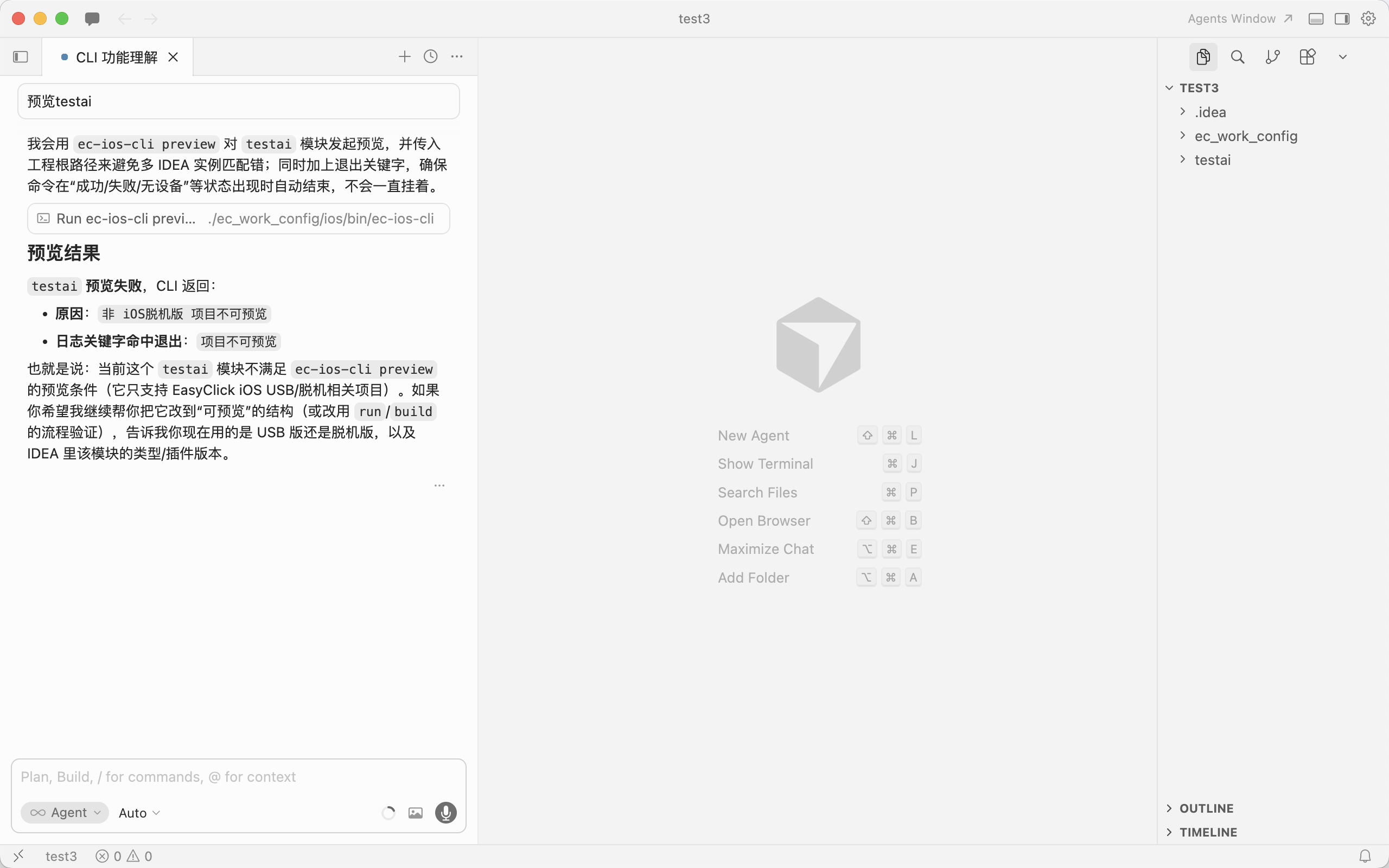
- Replaces some IDEA plugin actions; for EasyClick **iOS USB** and **standalone** editions only.
- **IntelliJ IDEA** running with **EasyClick iOS dev tools** plugin responsive.
- **Module name** in CLI matches the IDEA script module name.
- Multiple windows/projects: use **`-p` / `--project`** with the **project root** path as opened in IDEA.
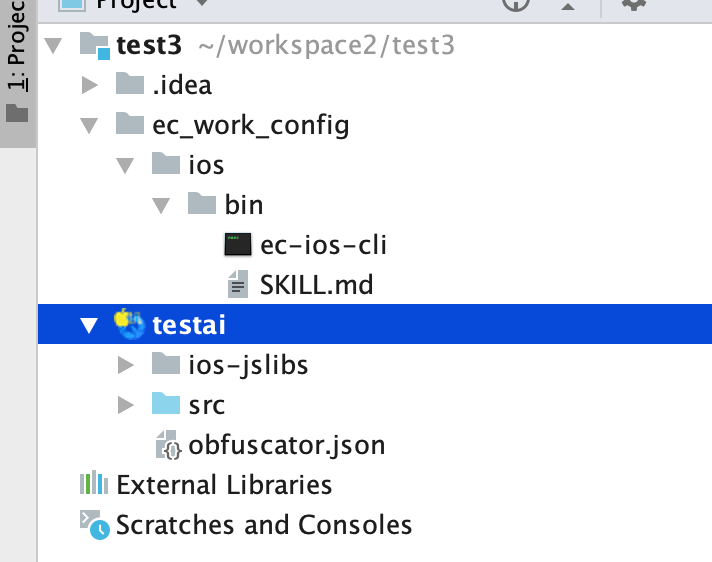
- **Bundled binary** (repo root): **`ec_work_config/ios/bin/ec-ios-cli`**
- From repo root: `./ec_work_config/ios/bin/ec-ios-cli -h`
- Agents/scripts should prefer this path over global PATH.
- If installed globally: **`ec-ios-cli`** (same program; rename locally if needed).
- Help: `./ec_work_config/ios/bin/ec-ios-cli -h`
- Subcommand help: `./ec_work_config/ios/bin/ec-ios-cli <subcommand> -h`
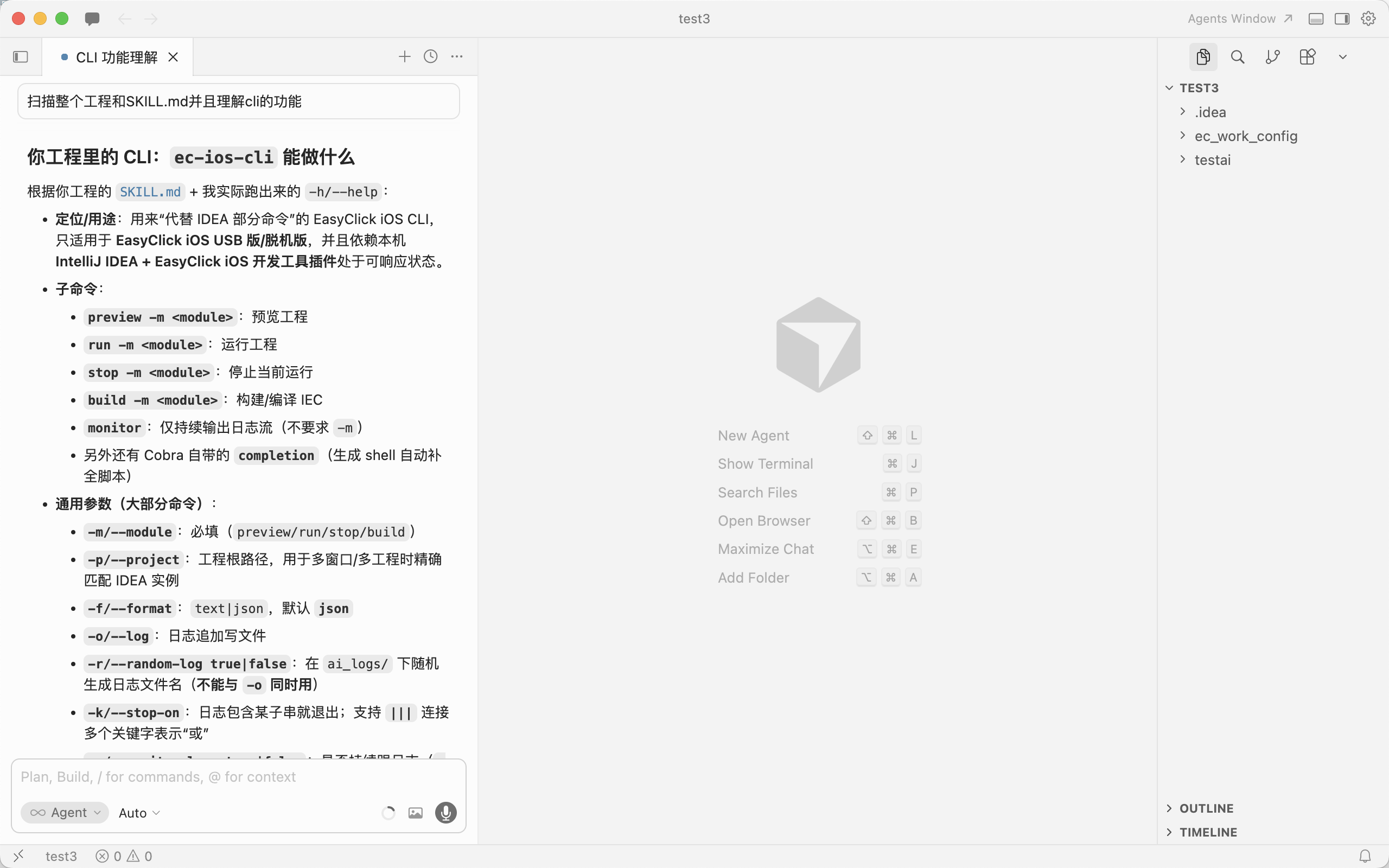
| `preview` | Preview project |
| `stop` | Stop running script |
| `monitor` | Stream logs only (no `-m`) |
| `capture-image` | Screenshot path (AI assist) |
| `ocr-screen` | OCR current screen (AI assist) |
| `capture-node` | Capture UIX nodes path (AI assist) |
| `test-image` | Template match test (AI assist) |
| `ocr-local-image` | OCR local image (AI assist) |
- `preview / run / stop / build / capture-image / ocr-screen / capture-node / test-image / ocr-local-image` need **`-m` (module)**.
- `monitor` has no module.
- `capture-image` aliases: `captureImage` / `fetch-image` / `fetchImage` (prefer `capture-image`).
## Common flags (except `monitor`)
| **`-m` / `--module`** | **Required.** IDEA module name. |
| **`-p` / `--project`** | Optional. Project root (IDEA path). |
| **`-f` / `--format`** | Optional. Log format: `text` or `json`; default **`json`**. |
| **`-o` / `--log`** | Optional. Append logs to file. |
| **`-k` / `--stop-on`** | Optional. Exit when log contains substring; **`|||`** = OR. |
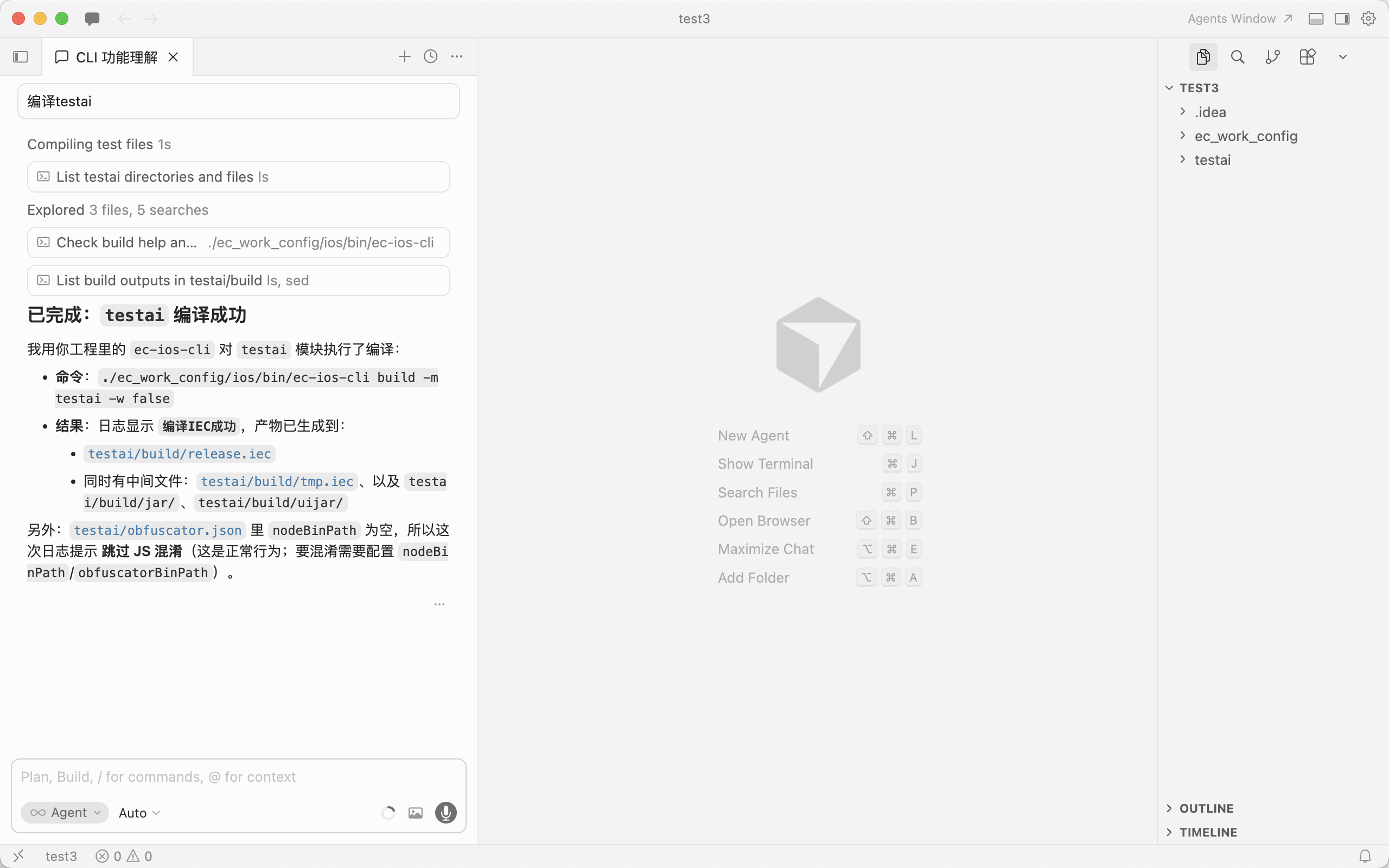
| **`-w` / `--monitor-logs`** | Optional. `true`/`false`. Default monitors; `-w false` ends after HTTP. |
| **`-r` / `--random-log`** | Optional. Random log file under `ai_logs/`; **not with `-o`**. |
- Optional flags need valid values.
- **`-r` and `-o` are mutually exclusive.**
## Boolean flags — use `=`
Bool flags like `--need-auto` / `--release` / `--monitor-logs`:
- For **false**, use **`--flag=false`** (or `-a=false`)
- `--need-auto` = `--need-auto=true`
- `--need-auto=false` explicitly disables
| **`-f` / `--format`** | `text` or `json`, default `json`. |
| **`-o` / `--log`** | Append to file. |
| **`-k` / `--stop-on`** | Exit on match (`|||` OR). |
| **`-r` / `--random-log`** | Random log file (not with `-o`). |
Support `-m/-p/-f/-o/-r/-k/-w`; default `stop-on` includes `失败请登录` (login failure).
- **`--dir / -d`**: save dir (default project image dir)
- **`--image-format / -g`**: `jpg|png` (default `jpg`)
- **`--need-auto / -a`**: need automation service (default `true`)
EC=./ec_work_config/ios/bin/ec-ios-cli
$EC capture-image -m app -d /tmp -g png
$EC capture-image -m app --need-auto=false
- **`--ocr-type / -t`**: default `paddleOcrNcnnV5`
- **`--padding / -x`**: default `32`
- **`--max-side-len / -l`**: default `640`
- **`--release / -e`**: default `false`
- **`--need-auto / -a`**: default `true`
EC=./ec_work_config/ios/bin/ec-ios-cli
$EC ocr-screen -m app -t paddleOcrOnnxV5 -x 32 -l 640
- **`--dir / -d`**: save dir (default node dir)
EC=./ec_work_config/ios/bin/ec-ios-cli
$EC capture-node -m app -d /tmp
- **`--test-type / -t`**: `2` (live, default) or `1` (local image)
- **`--small-image-path / -s`**: required template path
- **`--big-image-path / -b`**: required for `-t 1`
EC=./ec_work_config/ios/bin/ec-ios-cli
$EC test-image -m app -s /path/to/small.png
$EC test-image -m app -t 1 -s /path/to/small.png -b /path/to/big.png
- **`--path / -i`**: required image path
- Other flags same as `ocr-screen`
EC=./ec_work_config/ios/bin/ec-ios-cli
$EC ocr-local-image -m app -i /path/to/image.png
$EC ocr-local-image -m app -i /path/to/image.png -t paddleOcrOnnxV5 -x 32 -l 640
- Most logs on **stderr**; **`-o`** / **`-r`** also write files.
- Default format **JSON** unless **`-f text`**.
## Classic examples (preview / run / stop / build / monitor)
# From repo root; EC = ./ec_work_config/ios/bin/ec-ios-cli
EC=./ec_work_config/ios/bin/ec-ios-cli
$EC preview -m app -f json
$EC run -m app -f json -o /tmp/easyclick.log
$EC monitor -f text -o /tmp/monitor.log -k "完成"
Multi-project / multi-IDEA (use `-p`):
./ec_work_config/ios/bin/ec-ios-cli run -m app -p /path/to/project/root
EC=./ec_work_config/ios/bin/ec-ios-cli
$EC run -m app -o /tmp/run.log -k "上传"
$EC capture-image -m app -d /tmp -g png
$EC test-image -m app -s /path/to/small.png
$EC ocr-local-image -m app -i /path/to/image.png